
Every Employee Request
Deserves a Response
Handle employee questions, HR requests, and support tickets with a ticket management system built for faster resolution and clearer accountability.

A Better Way to Handle HR Requests
HRCRM Ticket Management brings employee questions, service requests, workplace concerns into an organized workflow, helping HR teams assign responsibilities, monitor progress, manage follow-ups, and close requests without losing track of what needs attention.
The Operational Gaps Behind HR Support
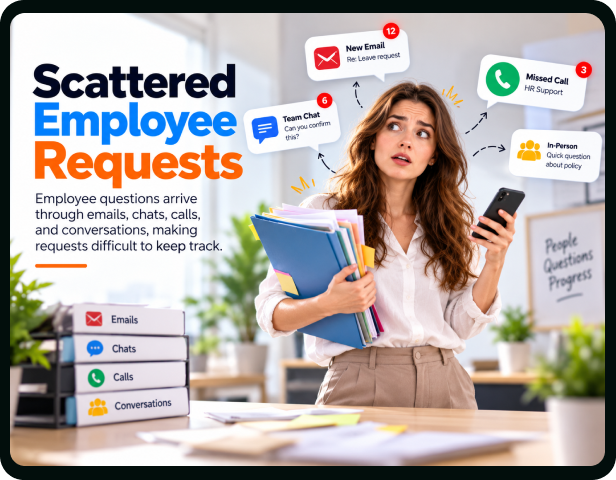
Scattered Employee Requests
Employee questions arrive through emails, chats, calls, and conversations, making requests difficult to keep track.
Unclear Request Ownership
HR teams struggle to determine who should handle specific employee concerns and follow them through.
Missed Follow-Up Tasks
Busy HR teams can overlook pending responses, leaving employees waiting longer for updates or answers.
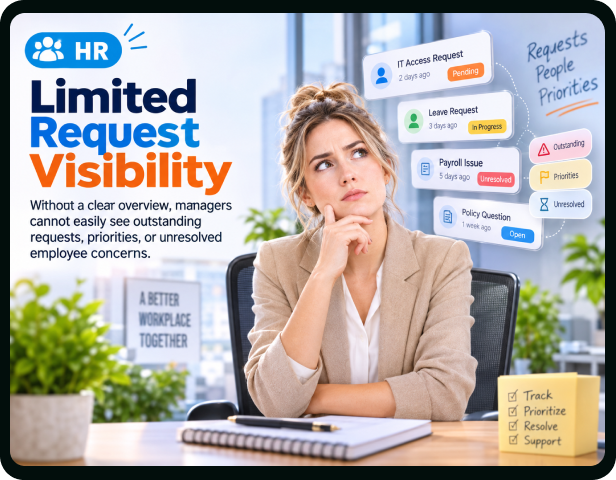
Limited Request Visibility
Without a clear overview, managers cannot easily see outstanding requests, priorities, or unresolved employee concerns.
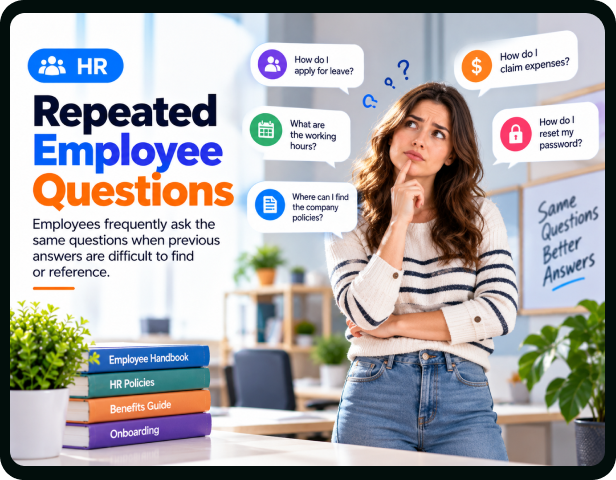
Repeated Employee Questions
Employees frequently ask the same questions when previous answers are difficult to find or reference.
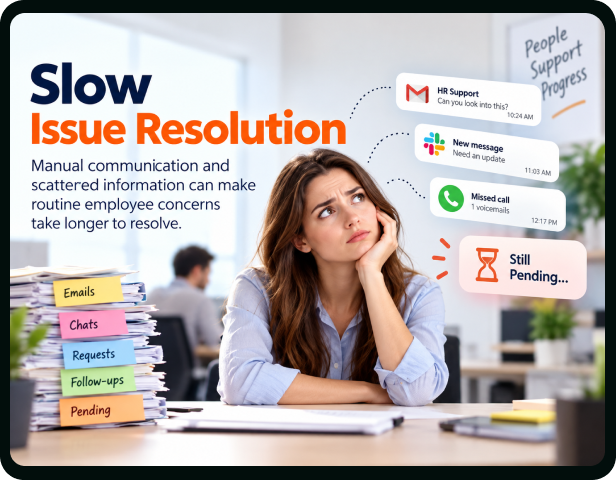
Slow Issue Resolution
Manual communication and scattered information can make routine employee concerns take longer to resolve.
Incomplete Request Context
Important details may remain across different conversations, leaving HR without the full picture.
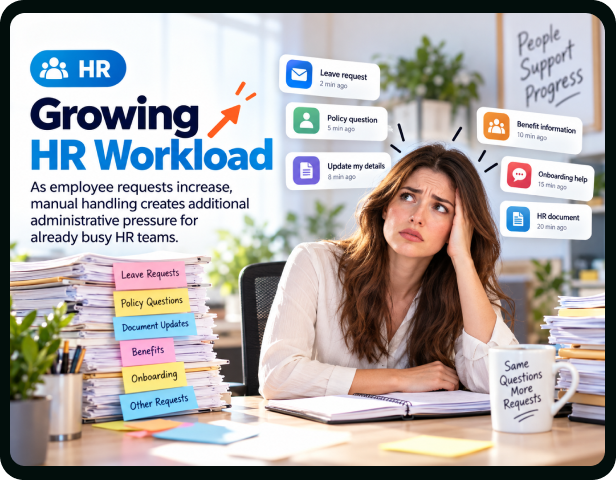
Growing HR Workload
As employee requests increase, manual handling creates additional administrative pressure for already busy HR teams.



Built for Real Businesses, Not Rigid
Workflows
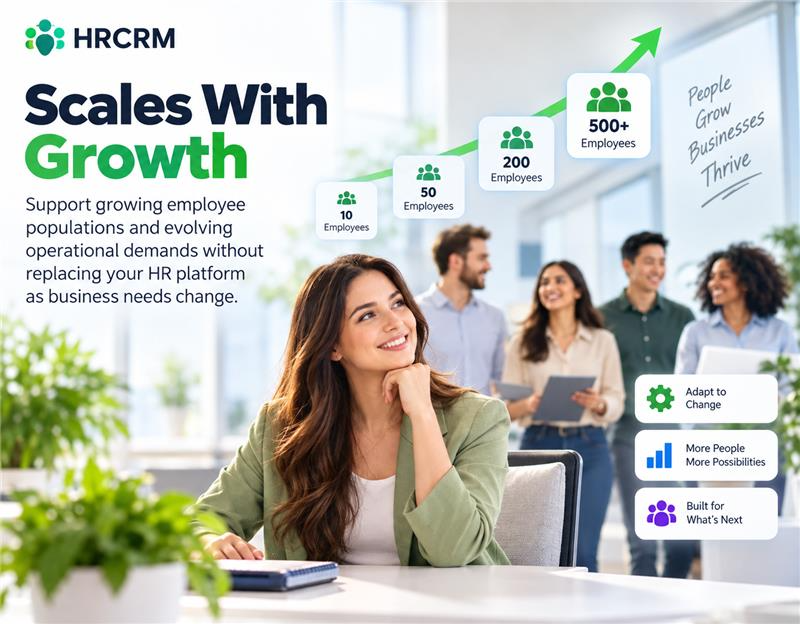
Scales With Growth
Support growing employee populations and evolving operational demands without replacing your HR platform as business needs change.
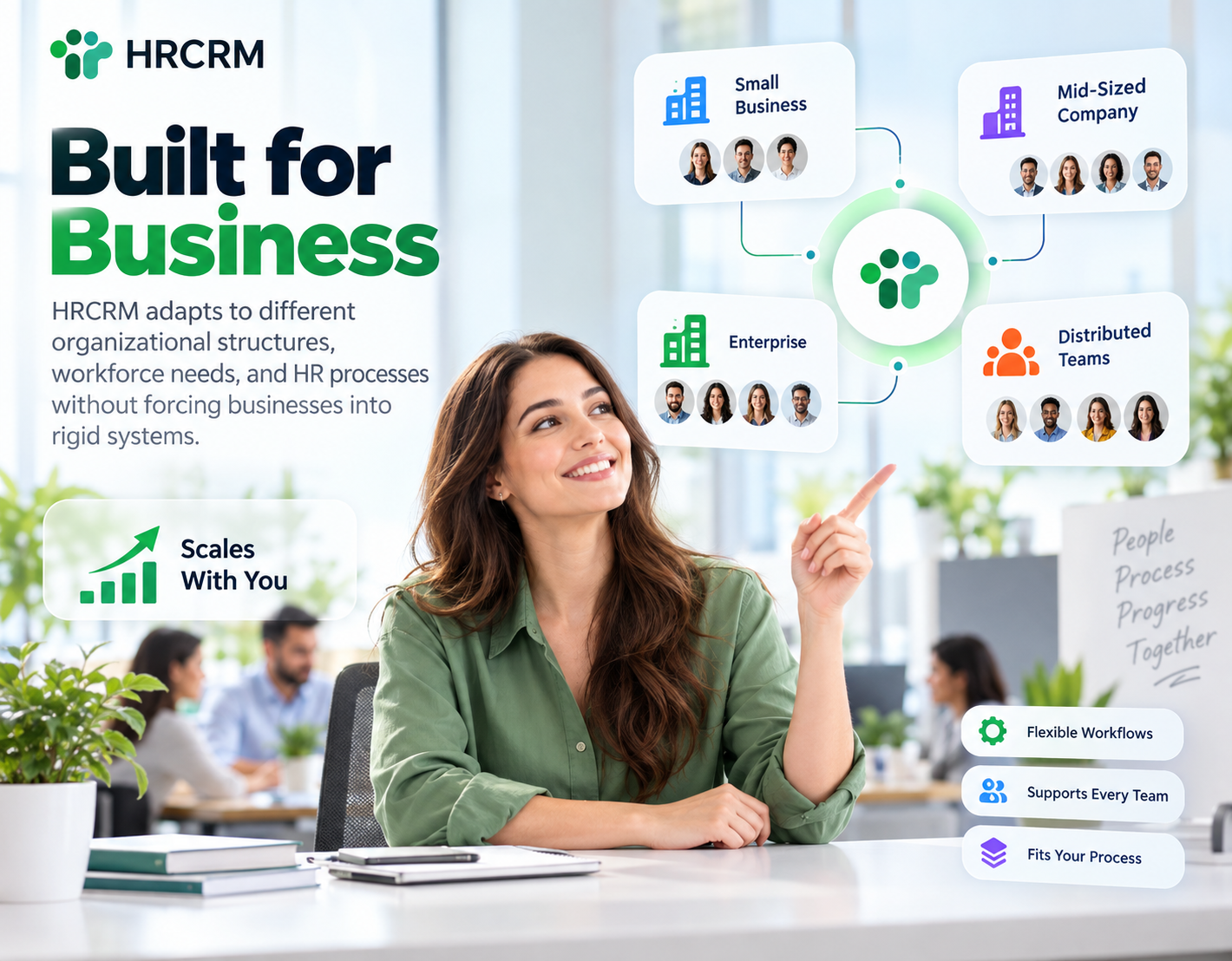
Built for Business
HRCRM adapts to different organizational structures, workforce needs, and HR processes without forcing businesses into rigid systems.
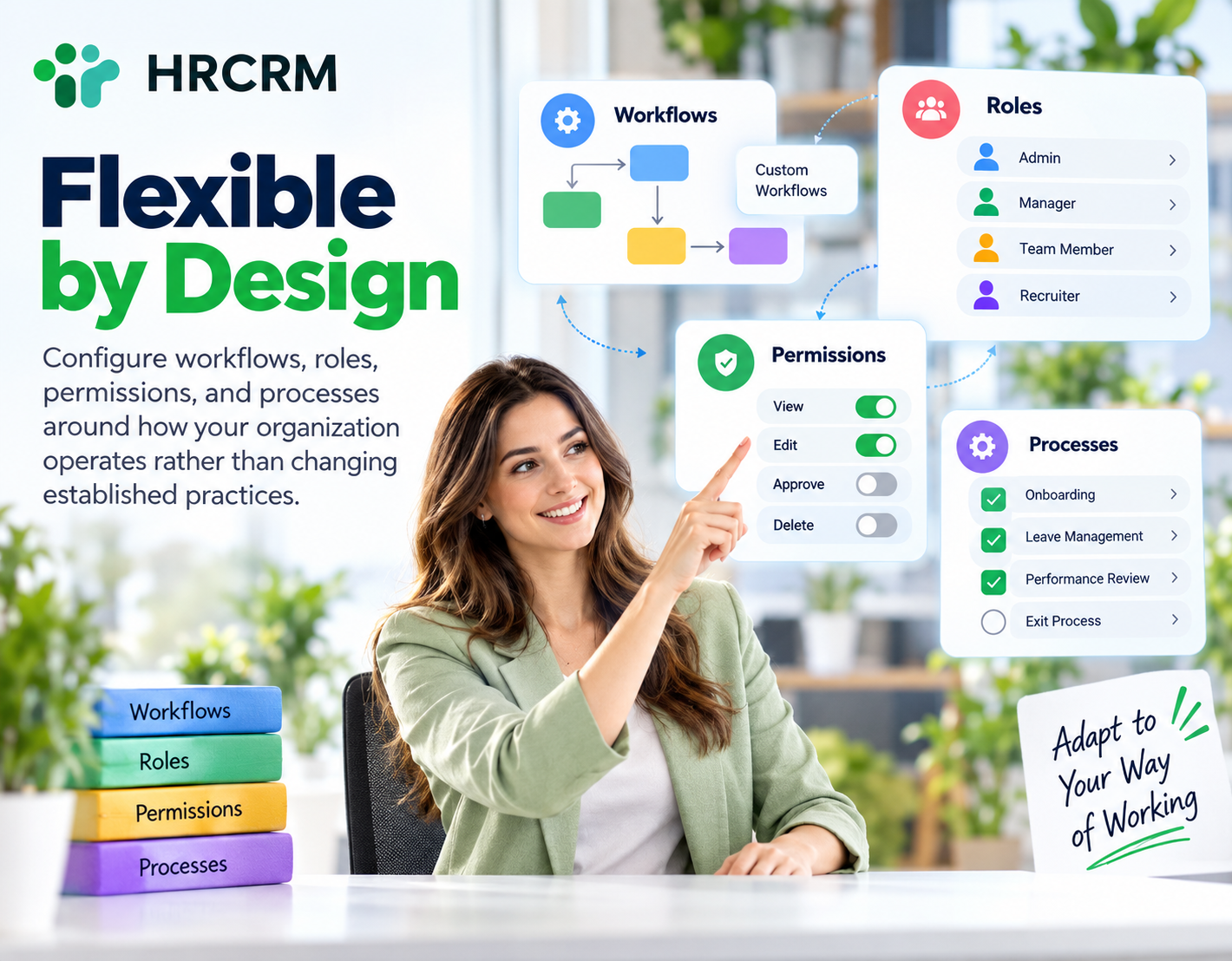
Flexible by Design
Configure workflows, roles, permissions, and processes around how your organization operates rather than changing established practices.
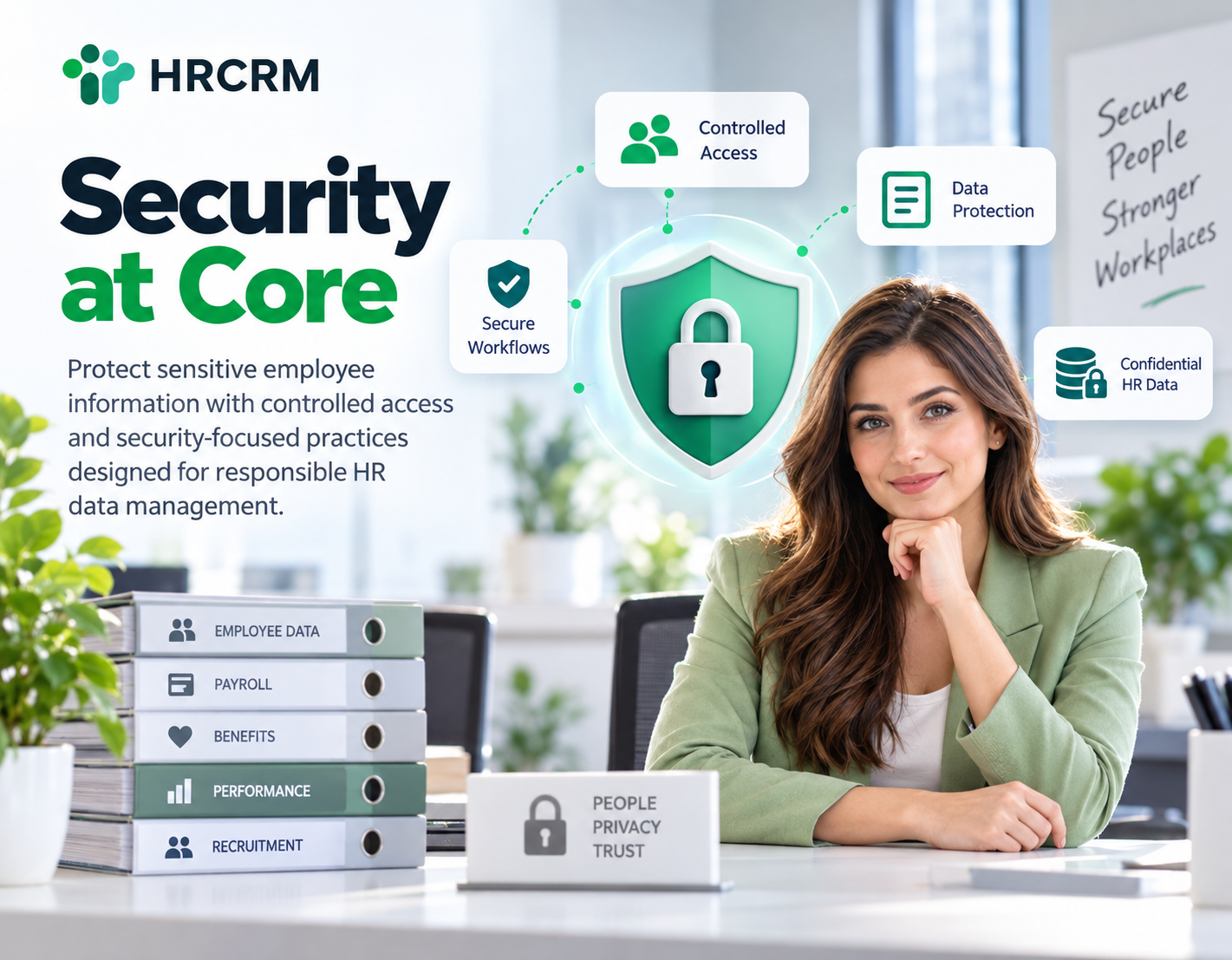
Security at Core
Protect sensitive employee information with controlled access and security-focused practices designed for responsible HR data management.
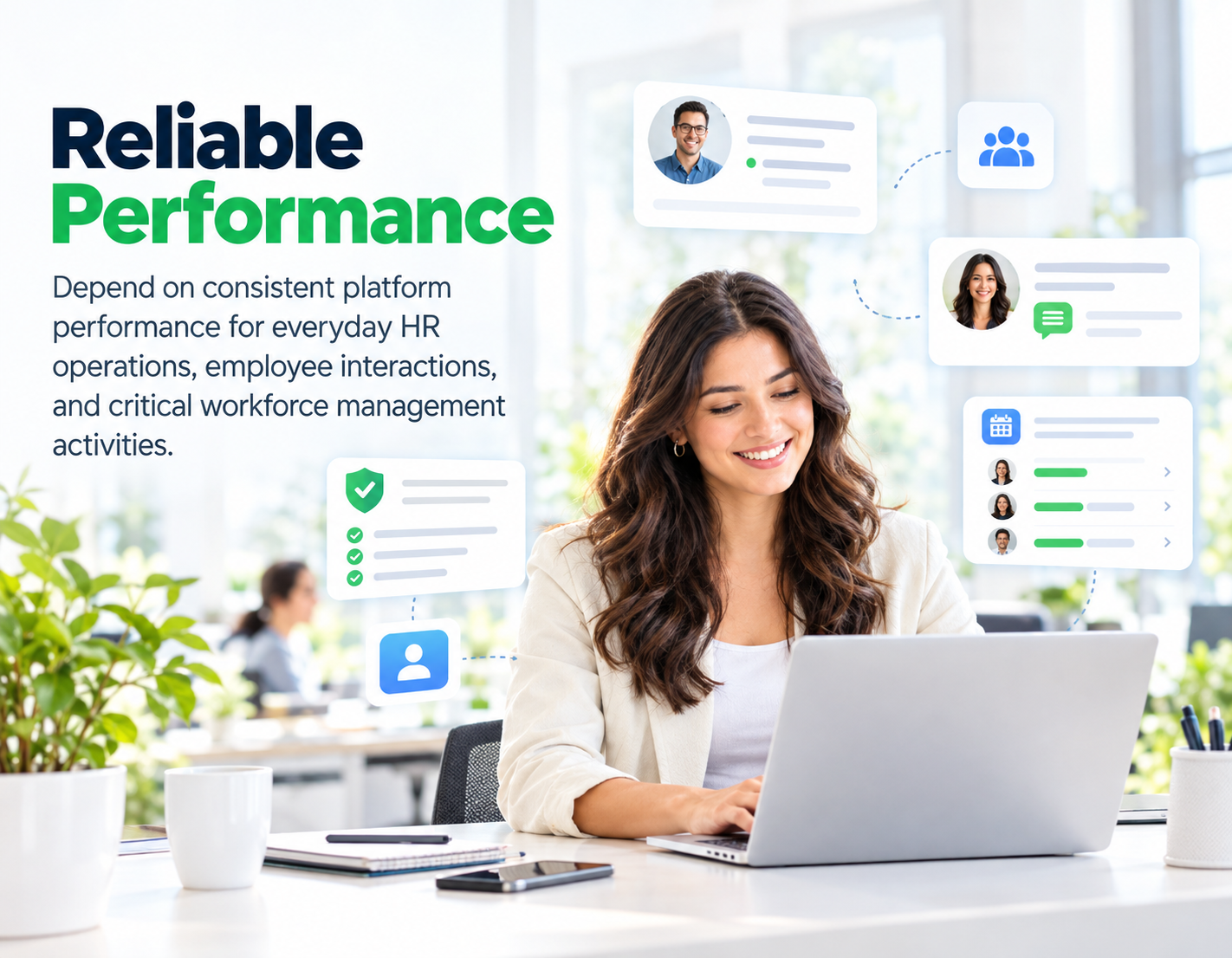
Reliable Performance
Depend on consistent platform performance for everyday HR operations, employee interactions, and critical workforce management activities.
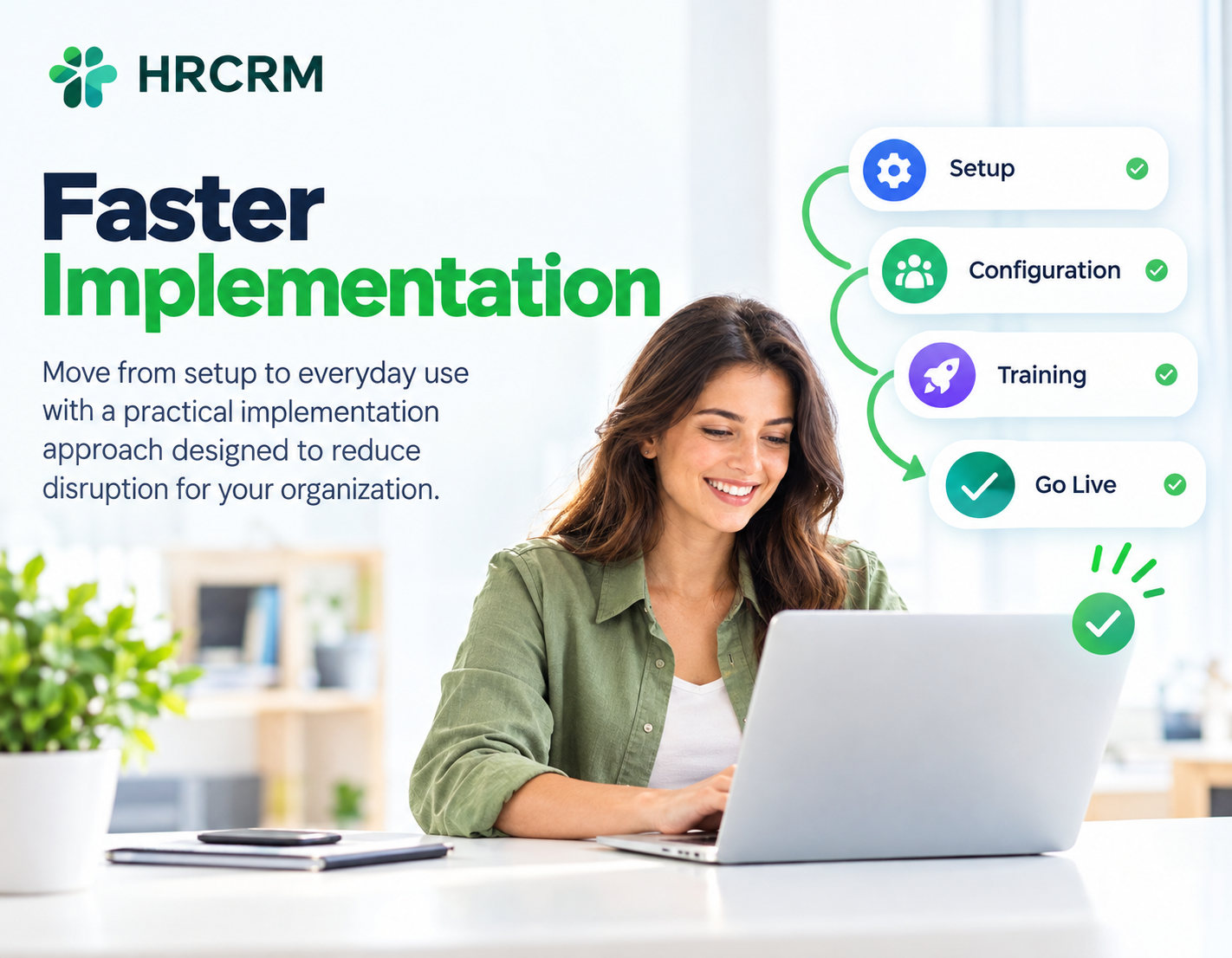
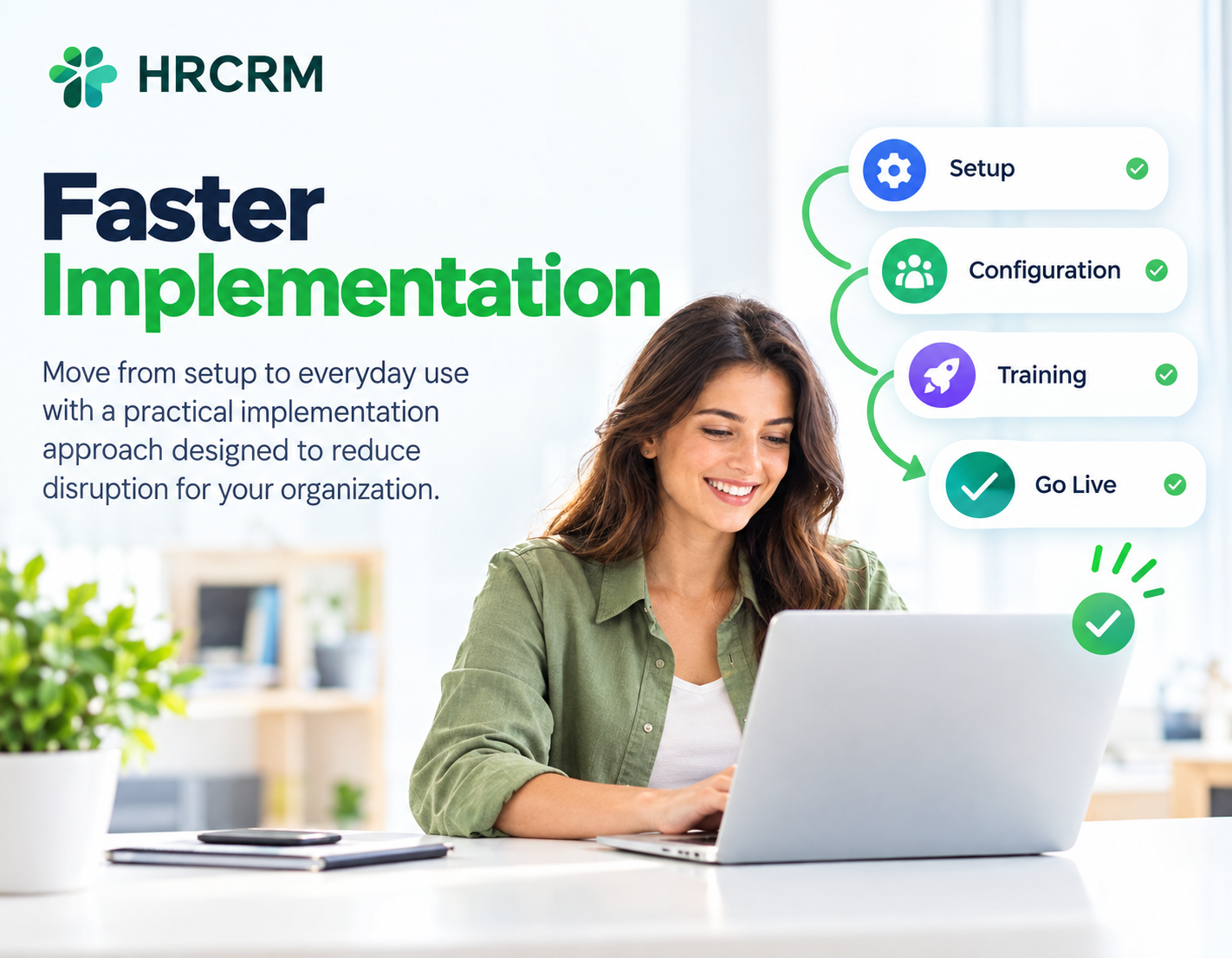
Faster Implementation
Move from setup to everyday use with a practical implementation approach designed to reduce disruption for your organization.
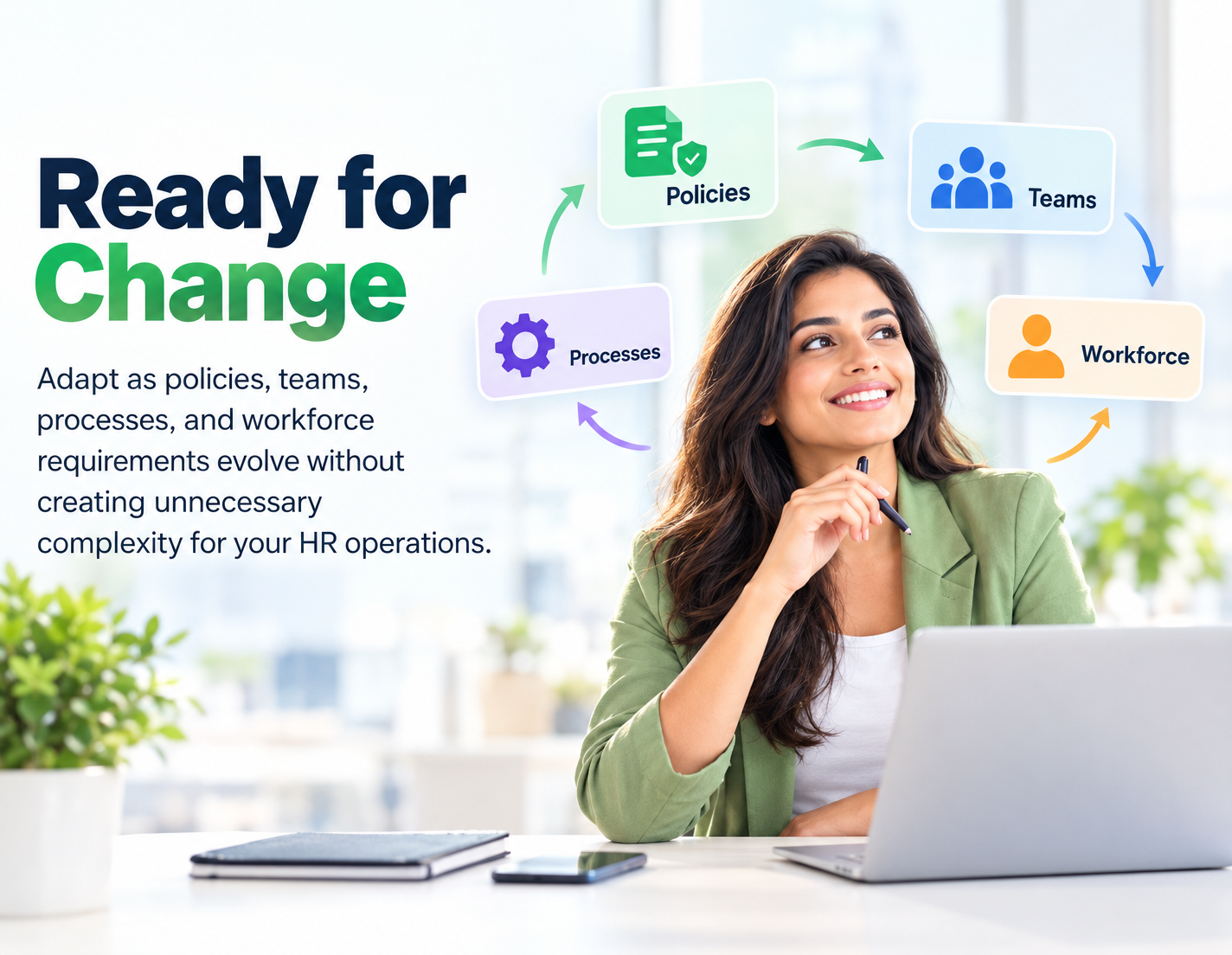
Ready for Change
Adapt as policies, teams, processes, and workforce requirements evolve without creating unnecessary complexity for your HR operations.
Simple for Everyone
Give HR teams and employees an intuitive experience that reduces learning curves and encourages everyday platform adoption.
Better HR Support, Better Business Outcomes
Reduce delays in addressing employee questions, concerns, and support requests across the organization.
Spend less time tracking requests manually and more time on higher-value HR responsibilities.
Give employees more dependable support experiences with timely responses and clearer request resolution.
Create greater ownership around employee concerns, follow-ups, and responsibilities throughout the support process.
Prevent pending employee requests from being overlooked, forgotten, or left without timely attention.
Help HR teams handle growing request volumes without proportionally increasing their administrative workload.
Recognize common workplace concerns and recurring questions that may require broader organizational attention.
Show employees that their concerns receive consistent attention, timely communication, and appropriate resolution.
From Setup to Support, Without Complexity
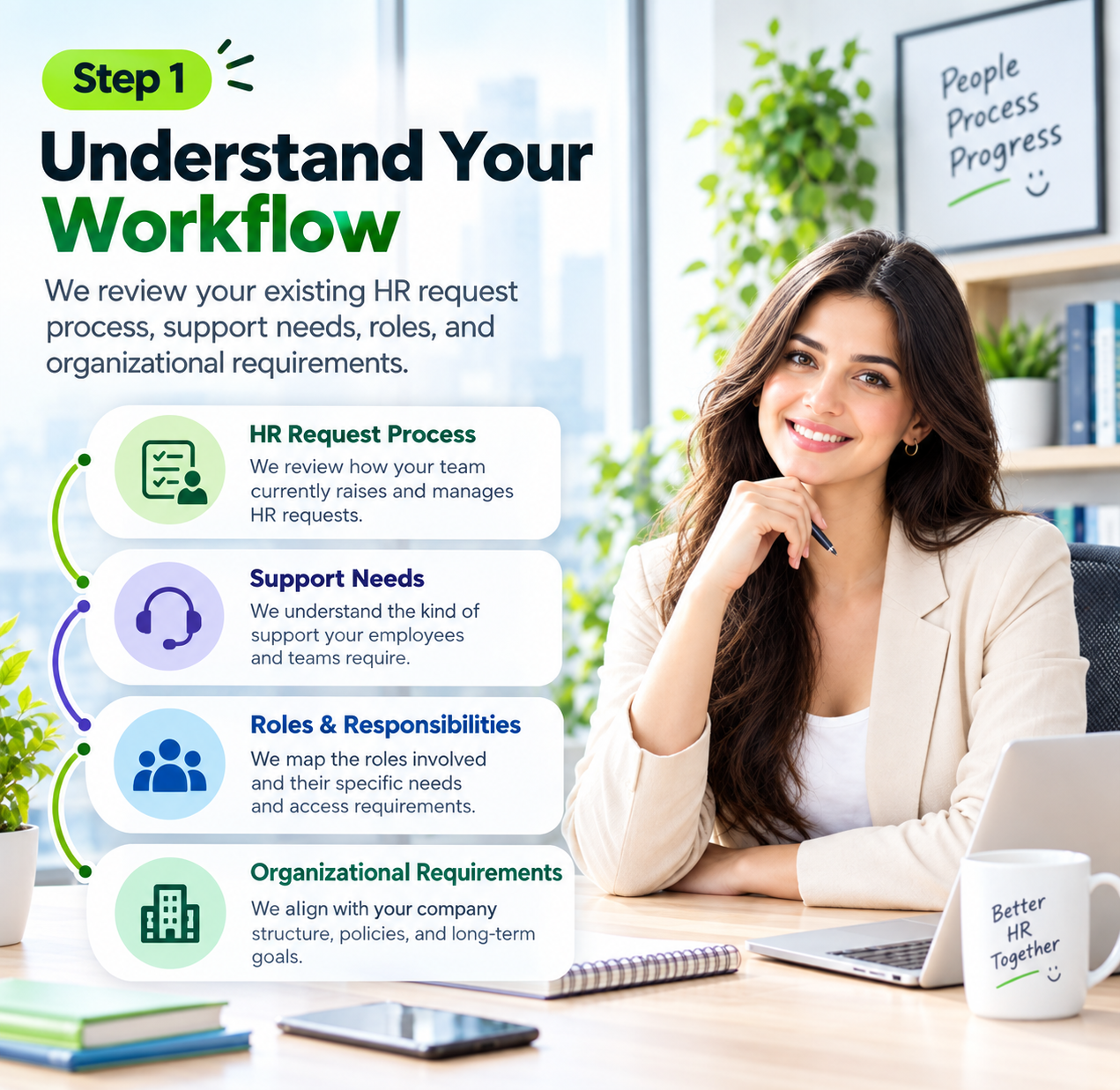
Step 1 : Understand Your Workflow
We review your existing HR request process, support needs, roles, and organizational requirements.
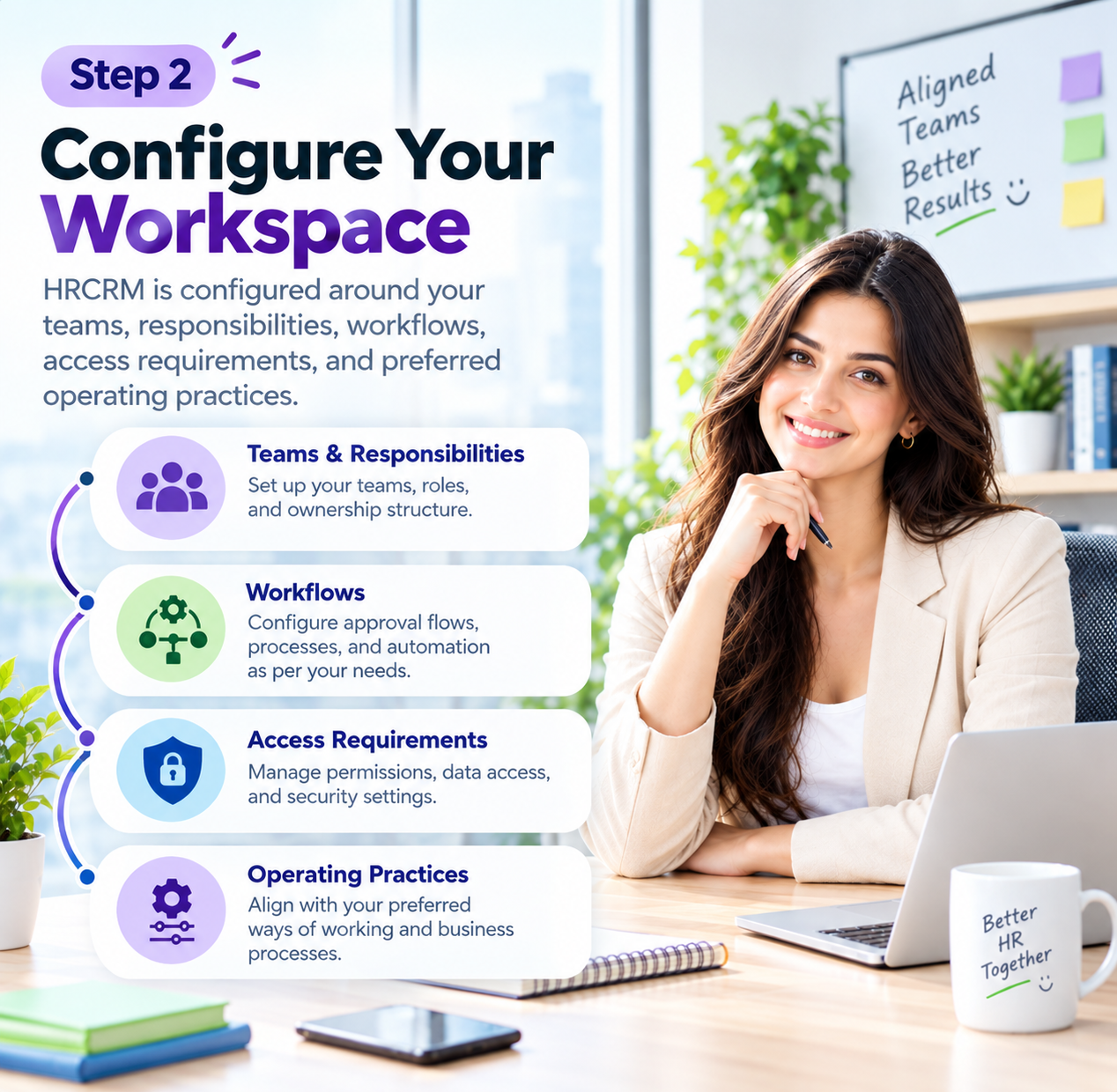
Step 2 : Configure Your Workspace
HRCRM is configured around your teams, responsibilities, workflows, access requirements, and preferred operating practices.
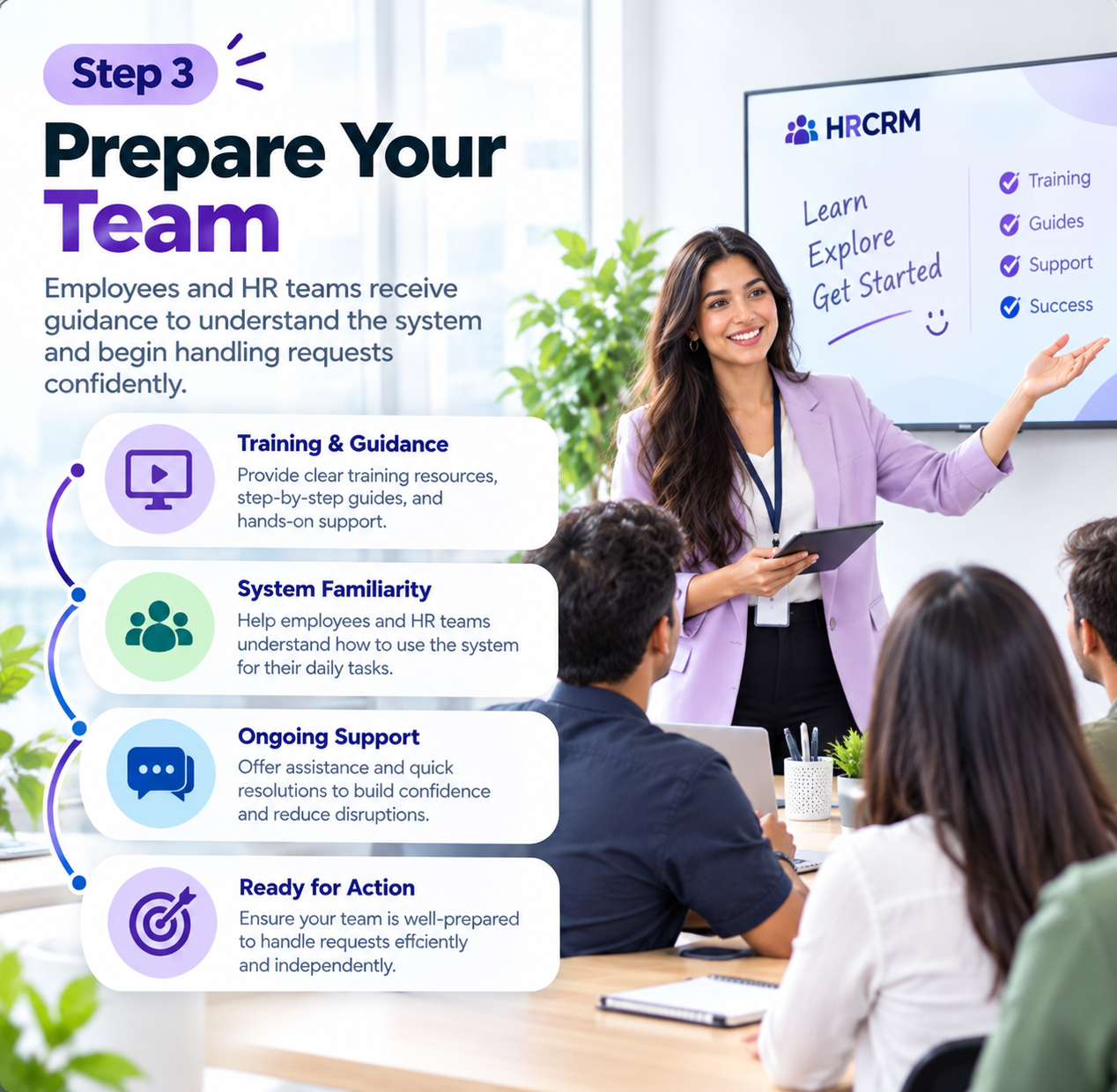
Step 3 : Prepare Your Team
Employees and HR teams receive guidance to understand the system and begin handling requests confidently.
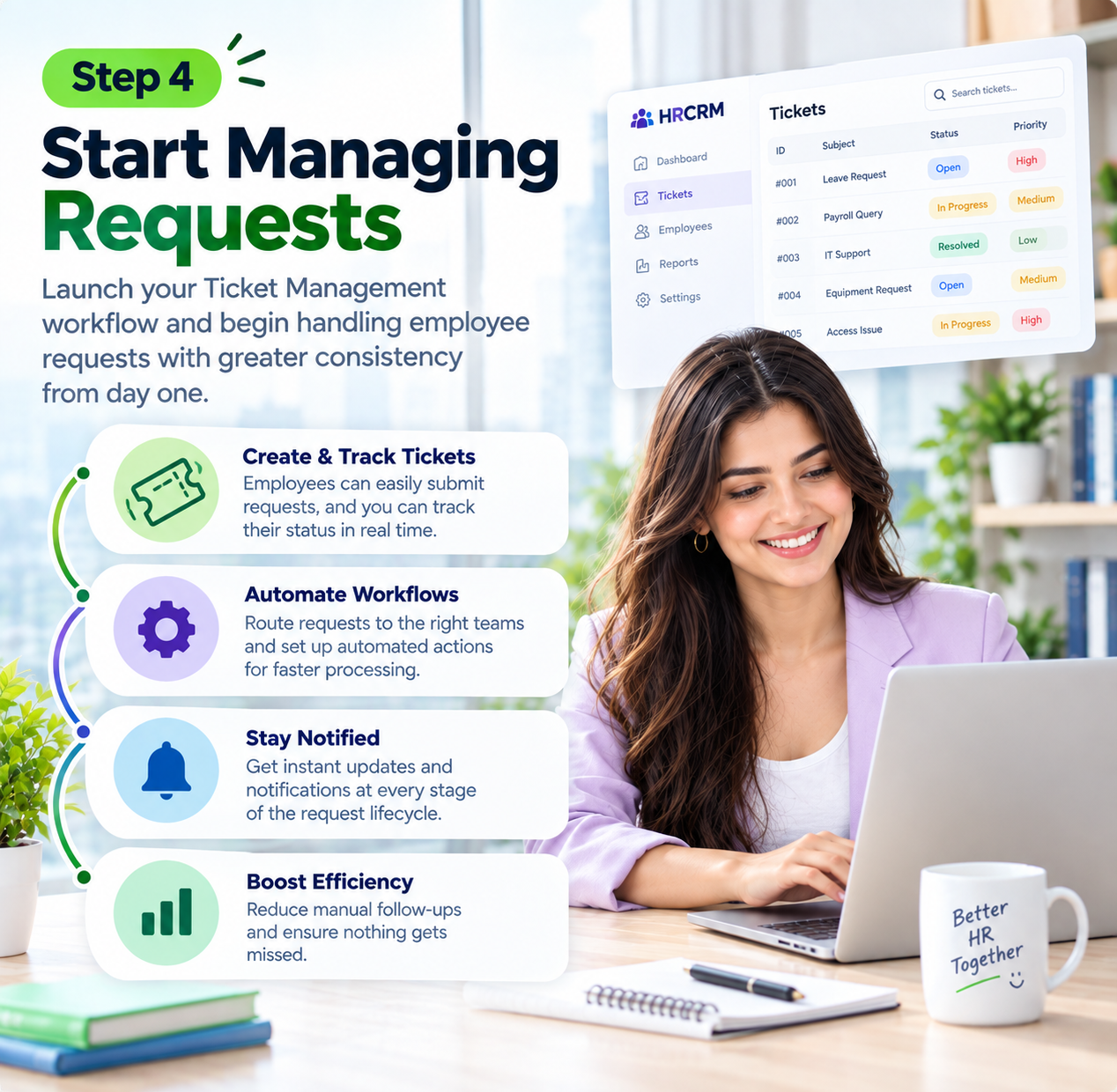
Step 4 : Start Managing Requests
Launch your Ticket Management workflow and begin handling employee requests with greater consistency from day one.
Built for Workspaces With More to Manage
Large Enterprises
Handle high volumes of employee questions and HR requests across departments, locations, and business units.
Growing Businesses
Keep employee support organized as headcount increases and HR teams take on more responsibilities.
Multi-Location Organizations
Maintain consistent employee support across offices, branches, facilities, and geographically distributed teams.
Healthcare Organizations
Give employees a structured channel for workplace questions, HR concerns, and internal support needs.
Education Institutions
Help faculty, administrative teams, and staff raise workplace requests and receive appropriate HR support.
Manufacturing Companies
Support large and diverse workforces with a clearer way to raise and follow workplace concerns.
Retail Businesses
Manage employee support needs across stores, teams, shifts, and locations without relying on scattered communication.
Professional Services Firms
Give consultants, specialists, and support teams a dependable way to raise internal HR requests.
Remote-First Companies
Provide distributed employees with a clear channel for seeking HR assistance regardless of location.
Ready to Rethink How HR Handles Requests?
As your workforce grows, employee support demands grow with it. Explore HRCRM and discover a structured approach designed to support your people, your HR team and your evolving business needs.
Frequently Asked Questions
1. What is Ticket Management in HR?
Ticket Management helps HR teams receive, organize, assign, track, and resolve employee requests through a structured process.
2. How does Ticket Management help HR teams?
It helps HR teams organize employee requests, monitor pending issues, maintain accountability, and provide timely responses consistently.
3. What types of employee requests can Ticket Management handle?
It can handle HR questions, workplace concerns, service requests, support issues, and other employee-related inquiries.
4. How does HRCRM Ticket Management improve employee support?
HRCRM gives employees a clearer support channel while helping HR teams manage requests from submission through resolution.