Know What Changed, Who
Changed It, and When
Seamlessly organize employee documents, monitor required records, and maintain better visibility into document status.
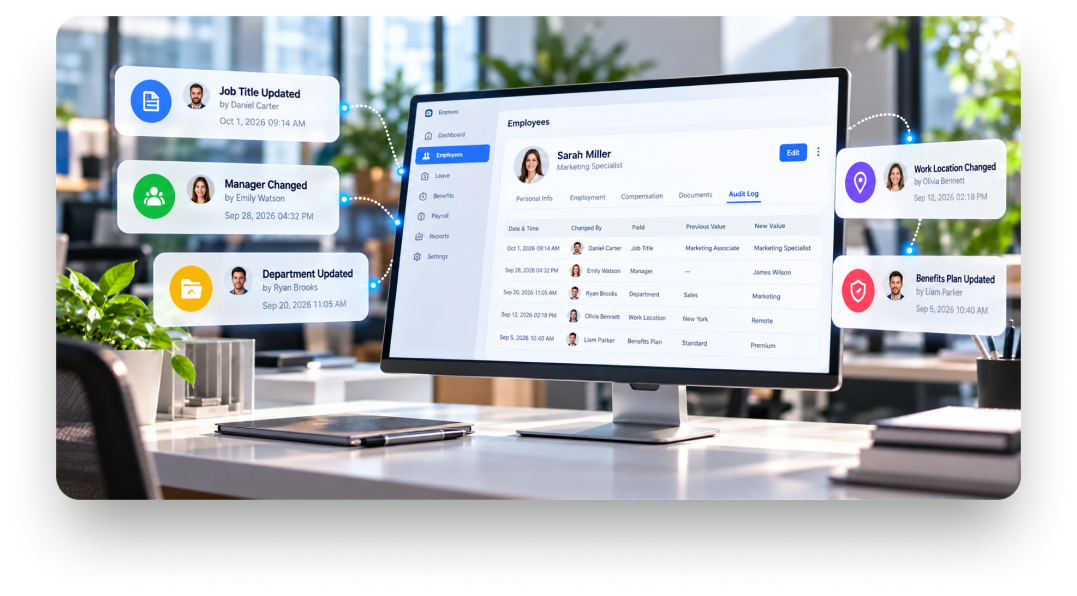
Give Your Records a History You Can Review
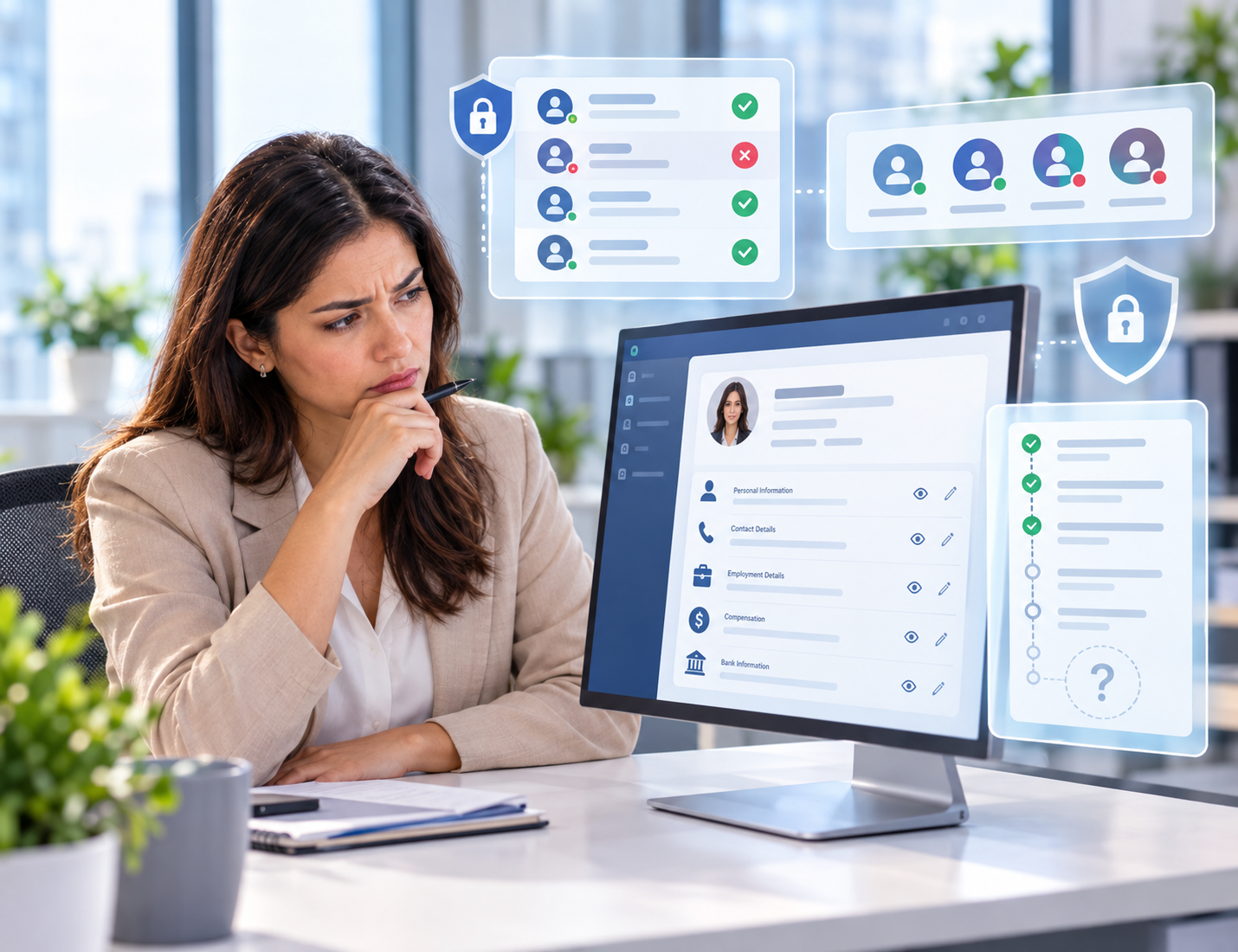
Employee records can change frequently as information is updated, corrected, or managed by different users. Audit logs preserve that activity as a clear history, giving HR teams greater context when reviewing records, investigating discrepancies, or understanding how information evolved over time.
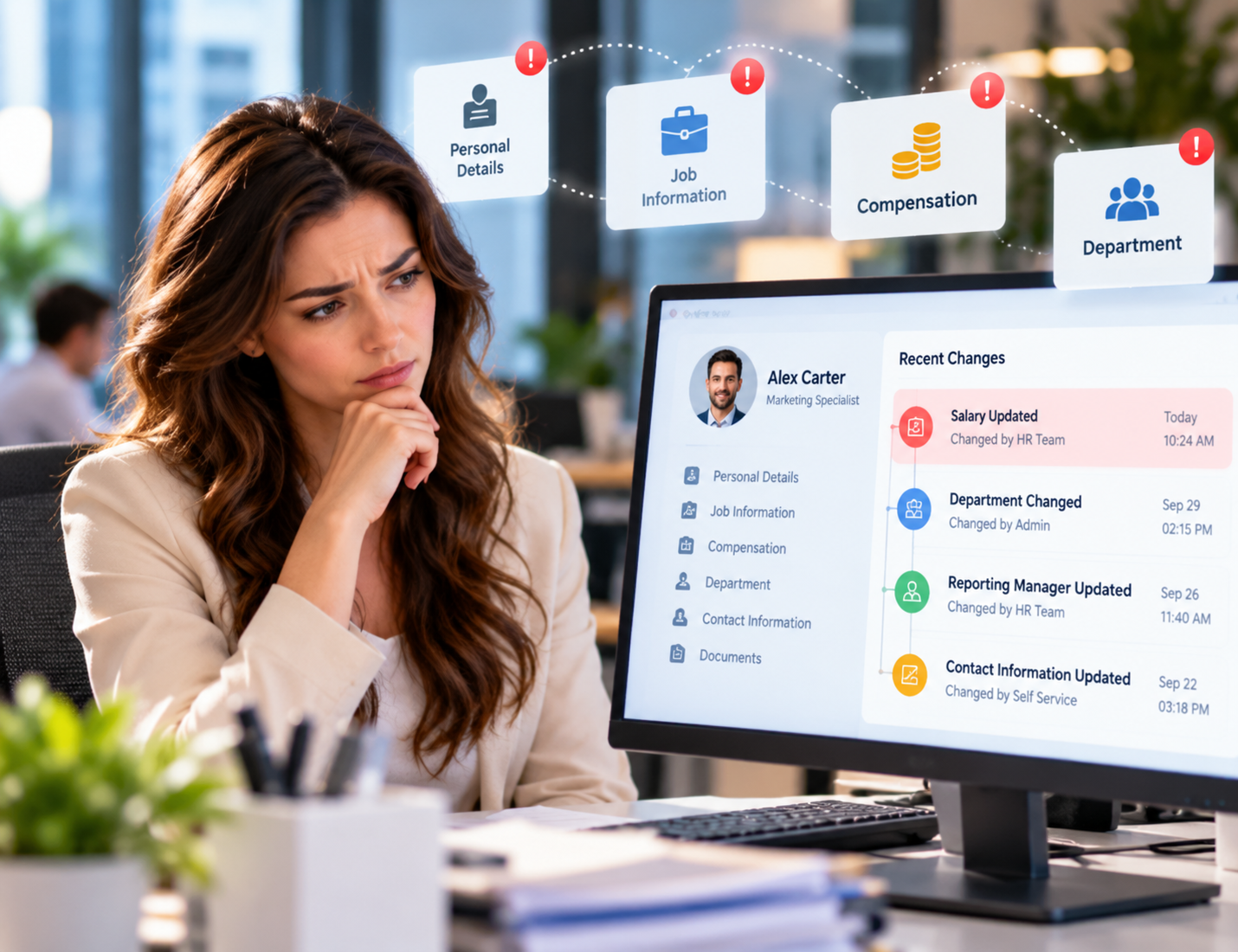
The Visibility Gaps Behind HR Changes
Changes Go Unnoticed
Important updates to employee records can happen without others realizing what information changed or when.
Accountability Becomes Difficult
Without clear activity records, identifying responsibility for specific changes or actions can take considerable time.
Records Lack Context
A current employee record may show updated information without explaining the activity that led to those changes.
Errors Take Longer
When incorrect information appears, HR teams may struggle to determine when the error occurred or how.
Access Raises Questions
Sensitive employee information may be viewed or modified without a clear history of related user activity.
Investigations Become Slower
Reviewing unusual changes can require manually checking records, conversations, and other available sources for context.
Activity Gets Overlooked
Frequent updates across HR records can make important system activity difficult to notice or review consistently.
History Disappears Quickly
Without a dependable record of past actions, understanding how employee information evolved becomes increasingly difficult.


A Dependable Foundation for HR Oversight
Build Around Your Structure
Adapt HRCRM to your departments, roles, reporting lines, and internal ways of managing employee information.
Designed for Reliability
Give HR teams a dependable platform they can rely on for consistent everyday workforce operations.
Security-First by Design
Support responsible handling of sensitive employee information with controlled access and security-conscious platform practices.
Flexible as You Grow
Accommodate changing workforce sizes, organizational structures, responsibilities, and operational requirements without unnecessary disruption.

Simple for HR Teams
Offer an approachable experience that helps HR professionals work confidently without adding unnecessary technical complexity.
Ready for Integration
Fit HRCRM into your existing business environment while supporting the systems and processes your organization already uses.
Practical to Implement
Introduce HRCRM through a manageable implementation approach designed to reduce disruption for HR and business teams.
Built for Long-term Use
Provide an HR foundation that can continue supporting evolving processes, workforce needs, and organizational processes over time.

Bring Greater Accountability to HR Operations
Quickly understand the history behind changes when employee information needs clarification or review.
Identify unexpected changes more easily, helping teams address incorrect employee information before it causes further issues.
Give teams greater clarity when reviewing actions that affect employee records and workplace information.
Spend less time piecing together events when unusual activity or discrepancies require closer examination.
Give HR leaders greater visibility into how employee information is being handled across organization
Prepare for internal audits and reviews with a clearer record of relevant HR system activity.
Address employee record disputes with greater confidence by establishing clearer context around disputed changes or actions.
Strengthen everyday operational control by making unusual or unexpected activity easier for responsible teams to recognize.
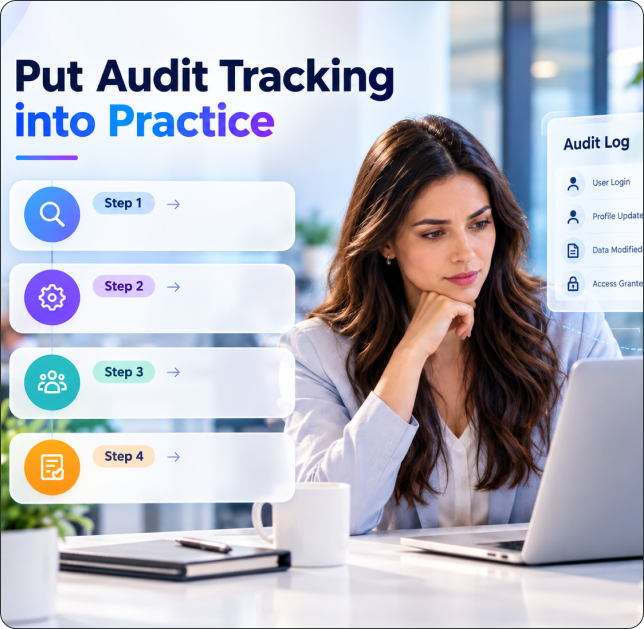
Put Audit Tracking into Practice
Step 1 :
Identify the HR areas, user groups, and activity types that require audit tracking.
Step 2 :
Set up relevant tracking preferences around your organization's workflows and information management practices
Step 3 :
Validate the setup with responsible teams and make adjustments before introducing it across your organization.
Step 4 :
Start using audit logs within regular HR operations and establish a consistent review routine.
Built for Businesses Where Every Change Matters
Large Enterprises
Untangle disputed updates when several HR administrators share responsibility for employee records across business units.
Healthcare Organizations
Review changes to staff credentials and employment details when questions arise during personnel file checks.
Financial Services Firms
Examine who accessed or modified personnel information when internal reviews question how sensitive records were handled.
Technology Companies
Investigate unexpected changes to system permissions when employees switch roles or leave the organization.
Manufacturing Companies
Check the history of changes to job assignments and shift details when workforce records conflict with operational schedules.
Retail Businesses
Review employment-status updates when seasonal workers are rehired, transferred between stores, or marked as leaving.
Educational Institutions
Clarify changes to staff appointments, department assignments, and employment details across academic terms.
Multi-Location Organizations
Determine whether a record update came from the appropriate regional team when information differs between locations.
Organizations With Frequent Staff Turnover
Review actions taken during employee exits to resolve questions about final record updates and administrative handovers.
Is Your HR Team Using Audit Logs?
Give your HR team a more dependable way to review important activity, investigate questions, and understand the history behind employee record changes.
Frequently Asked Questions
When should HR teams use Audit Logs?
Use Audit Logs when teams need to review changes, investigate discrepancies, clarify responsibility, or understand previous activity.
What can I see in HR Audit Logs?
Depending on configuration, you can review relevant user activity, record changes, affected information, and associated activity history.
Who should have access to Audit Logs?
Access should generally be limited to authorized HR, administrative, or management users who need activity information to do their tasks.
Can Audit Logs help investigate incorrect employee records?
Yes. Reviewing activity history can help identify when information changes and by who to provide context for investigating discrepancies.