Your Workforce, Clear at a
Glance
Track headcount, attendance, leave, hiring, and performance in one real-time Dashboard that helps HR teams and managers spot trends early and act with confidence.

Every Workforce Metric, One View
HR teams often chase attendance, leave, hiring, and performance data across separate tools just to answer one question. HRCRM's Dashboard brings these numbers into one live view, so teams can spot changes early and decide faster.
When HR Data Lives in Pieces
Metrics Scattered Across Tools
Attendance, leave, hiring, and performance figures live in different systems, so one question needs several checks.
Reports Go Stale Quickly
By the time a manual report is compiled and shared, workforce numbers may have already changed.
Issues Surface Too Late
Rising absenteeism, growing turnover, or slow hiring may go unnoticed until teams start feeling the impact.
Headcount Lacks One Source
Without one reliable view, HR struggles to confirm exact headcount across departments, locations, or employment types.
Absence Patterns Go Unnoticed
Leave and attendance records viewed alone make patterns across teams, shifts, or seasons harder to notice.
Managers Wait on HR
Team leads often depend on HR for the figures they need, slowing staffing and planning decisions.
Hiring Progress Stays Unclear
Open roles, candidate stages, and hiring speed are hard to track when recruiting data is isolated.
Leadership Requests Cause Scrambles
Sudden requests for workforce numbers can pull HR into last-minute spreadsheet work instead of planning priorities.








Why HR Teams Choose HRCRM for Workforce Insights
Live Data, Always Current
See headcount, attendance, and hiring figures refresh automatically, so nobody works from last week's numbers.
Scales With Growth
Keep dashboards accurate and responsive as employee numbers, locations, and departments grow, without rebuilding views each time.
Simple to Read
Present key metrics through clear visuals that HR teams and managers can understand quickly, without technical skills.
Reliable Every Single Day
Depend on a steady platform that keeps workforce numbers available whenever HR and managers need them daily.

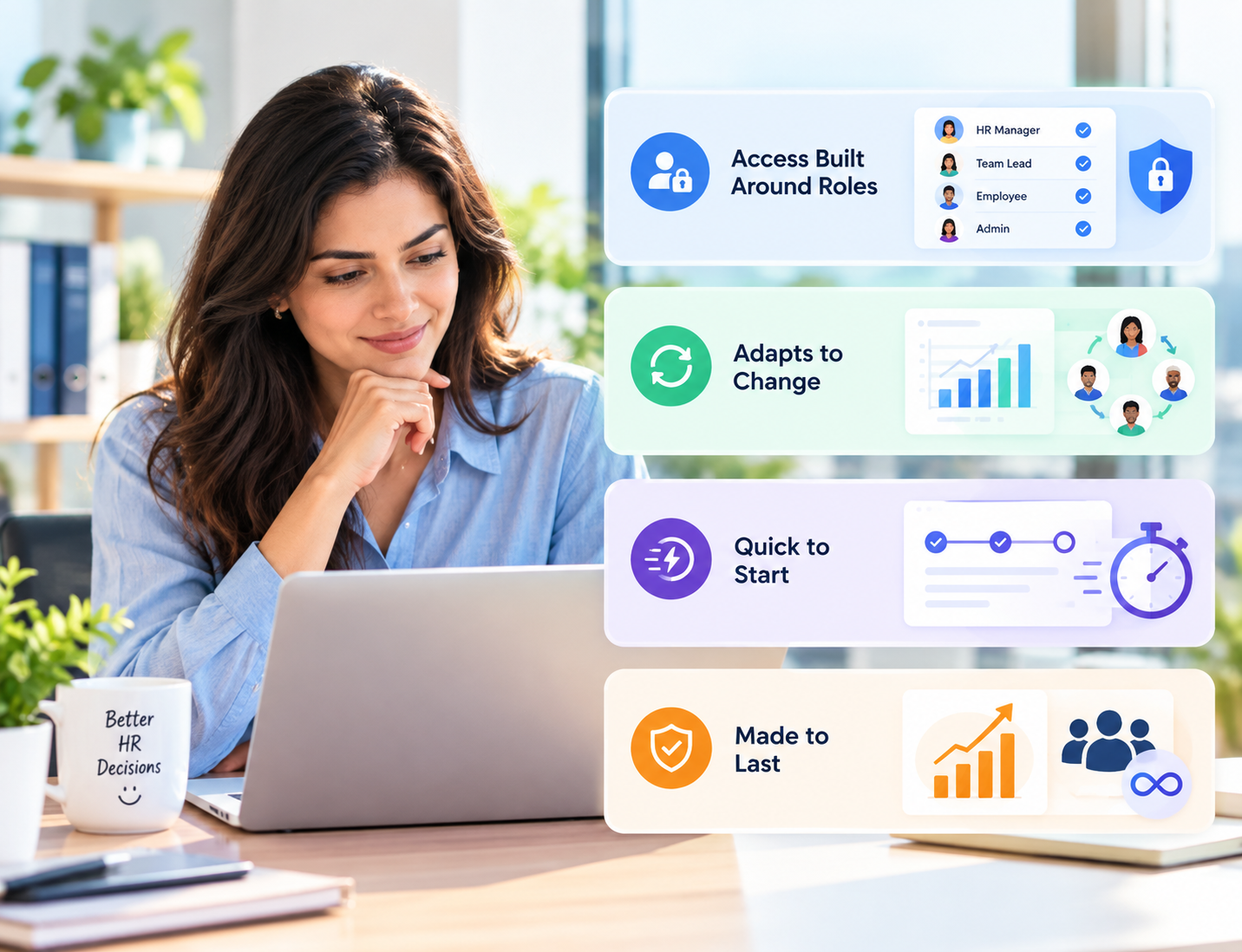
Access Built Around Roles
Control who sees which metrics through role-based permissions, keeping sensitive employee data visible only to authorized people.
Adapts to Change
Adjust views as teams, needs, and priorities shift, so your dashboard stays useful over time.
Quick to Start
Start using dashboards without a lengthy setup project, so HR and business teams see value early.
Made to Last
Rely on a dashboard that keeps supporting your organization as headcount, structure, and workforce goals continue to evolve.
Turn Live Workforce Data Into Action
Get answers on headcount, attendance, and hiring instantly, without waiting for someone to compile reports by hand.
Plan staffing, budgets, and hiring using live figures on open roles, current headcount, and department capacity.
Cut the time HR spends refreshing spreadsheets and rebuilding the same numbers every week for updates.
Let managers check their team's attendance and leave numbers without sending requests to HR.
Notice shifts in absenteeism, turnover, and hiring pace early, before they grow into problems.
Keep everyone on the same numbers, so teams stop debating whose spreadsheet is right and start acting.
Give leaders one current view of workforce numbers, so meetings focus on decisions.
Free HR from routine data pulls and last-minute requests so the team can focus on people and strategy.
From Scattered Data to Live Insights

Step 1 :
Pick headcount, attendance, leave, hiring, and performance metrics your HR team needs to see first.
Step 2 :
Connect employee data for live updates and set access, so each role sees relevant views.
Step 3 :
Review it with HR and managers, then adjust widgets, filters, or layouts where needed.
Step 4 :
Use your dashboard for daily check-ins, team reviews, workforce planning, and faster decisions.
Made for Teams That Need Live Visibility
Growing Companies
See headcount, new hires, and attendance update live as your team keeps growing.
Large Enterprises
Give HR leaders one live view across departments, business units, and employee groups without merging reports.
Technology Firms
Follow rapid hiring, team growth, and employee movement as projects and structures shift.
Healthcare Providers
Monitor staffing, shift attendance, and leave across departments and locations so coverage gaps become visible sooner.
Manufacturing Businesses
Watch attendance, shift coverage, and headcount across plants and production teams to keep operations staffed.
Professional Service Firms
Track availability, leave, and hiring across projects and departments as demand changes.
Retail Chains
Check store staffing, daily attendance, and leave at a glance so busy shifts stay covered.
Educational Institutions
View faculty and staff headcount, leave, and attendance across departments to support academic term planning.
Multi-Site Organizations
Compare headcount, attendance, and hiring across offices without waiting on separate site reports.
Start Seeing Your Workforce in Real Time
Your HR data shouldn't take hours to gather. With a live Dashboard, HR teams and managers can check workforce numbers anytime, spot changes early, and answer leadership questions confidently without scrambling for reports.
Frequently Asked Questions
What is a Dashboard in HR?
A Dashboard is a live overview that brings workforce metrics together in one place for HR teams and managers.
Why do HR teams need a Dashboard?
An HR Dashboard can track headcount, attendance, leave, hiring, turnover, performance, and department-wise workforce trends in one real-time view.
What can an HR Dashboard track?
An HR Dashboard can track headcount, attendance, leave, hiring, turnover, performance, and department-wise workforce trends in one real-time view.
How does HRCRM support HR Dashboards?
HRCRM turns employee data into live views with role-based access, giving HR teams and managers figures without manual effort.