
The management of employee leave becomes more difficult when companies grow in size or modify their internal rules. It is also complicated when staff members work in separate geographic areas or when directors change. HR administrators find it difficult to keep precise records of time-off totals when they use manual documents or emails for those tasks. They also struggle to apply regulations in a uniform way or organize the daily presence of workers.
Leave management software is a tool that fixes those issues, placing all requests and historical data into one regulated digital environment. The following blog describes the primary function of leave management software, how it works, its benefits, and how to choose one.
What Is Leave Management Software?
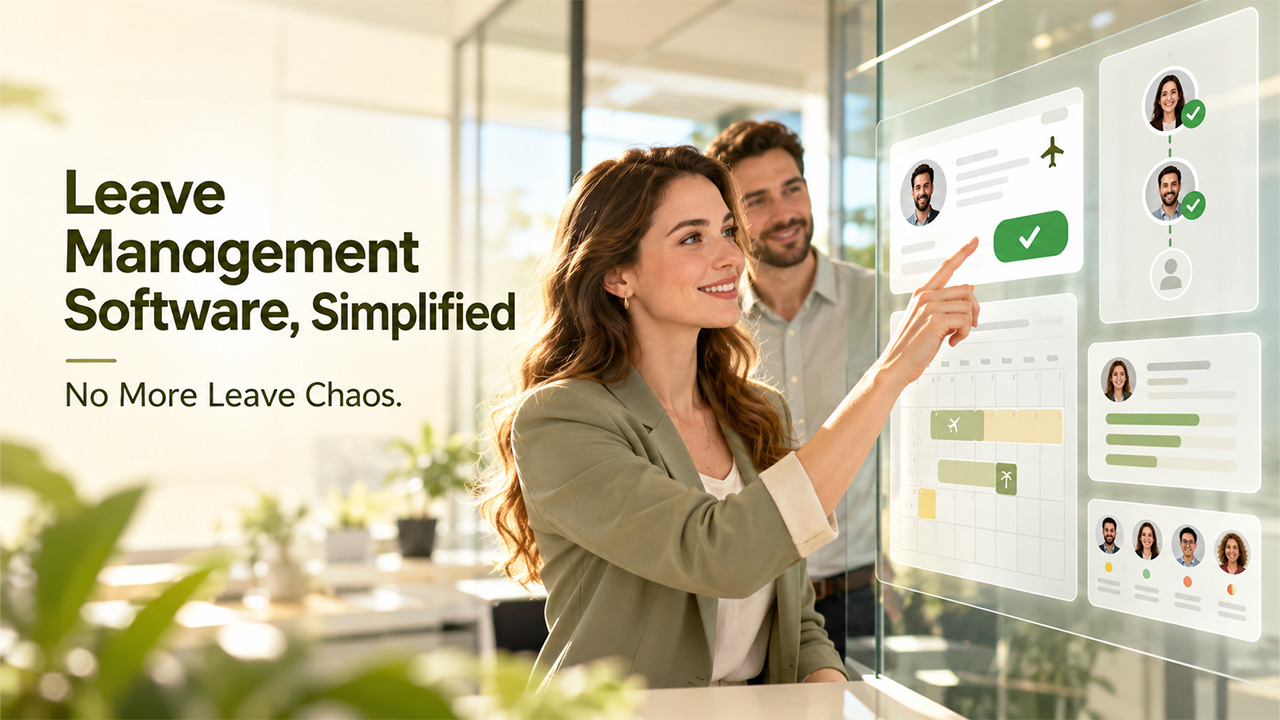
A digital tool designed to manage requests, approvals, track time off, and generate reports. It takes away the need for tedious manual processes (e.g., spreadsheets, paper forms, emails) by using one simple and centralized system which enforces rules set up by your organisation.
Underlying this software are employees’ leave entitlements – how much they’re entitled to use their annual leave and how often it accumulates. Leave management software will validate all employee requests against company policy before routing them to the correct manager for approval and updating everyone’s team calendars accordingly.
Once approved, these requests can be reported by HR and are also typically passed through automatically into payroll/attendance systems.
Most organisations implement leave management software as either a standalone application or within a human resource management system (HRMS). Either way, the goal is to ensure leave policies are applied consistently, streamline admin workloads, and maintain accurate records that you know you can go back to if required for audit purposes.
Why Manual Leave Tracking Fails in Big Organizations?
As the number of employees grows, you will start seeing these problems:
Operational Risk:
When you use spreadsheets and emails to manage your leave requests, balance errors happen. Approvals are delayed, schedules get messed up, without one single point of truth for your team members (and managers), people will end up approving overlaps and giving out conflicting information on entitlements. Maintaining centralized employee records can help HR teams organize employee information more efficiently.
Compliance Exposure:
With messy records, fulfilling these regulatory obligations gets complicated. For example, under the Family and Medical Leave Act (FMLA) in the U.S., employers are required to maintain leave records for a minimum of 3 years. It’s also important that all medical documentation be kept as confidential and separated from general employee files.
Financial Impact:
The inaccurate balance results in the payment of over/underpayment for payroll. Manual correction will cost you an hour of work. If there are disagreements on audit findings, you might be penalized by the government, and these penalties tend to escalate over time when your business scales.
Core Features of an HR Leave Management System
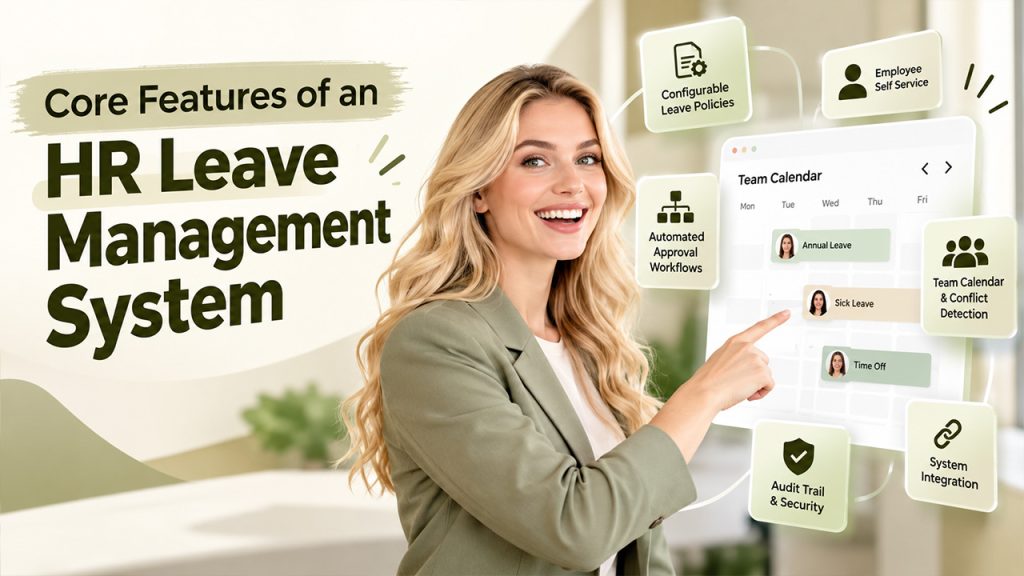
While capabilities will vary depending on the vendor, many good ones have one thing in common.
They include all the core functions you need to solve problems created by manual leave tracking. Here’s how they can help:
Configurable Leave Policies
With your company’s policy for different types of leave (e.g., annual, sick days), methods for accruing time, the maximum number that can be carried over each year, and public holidays set up, this function ensures leave rules are applied consistently to every employee.
Employee Self Service
Having a platform where employees can easily request time off via a simple user interface (web or mobile) and track their available balance means fewer queries hit HR’s inbox. It also takes some of the burden away from HR staff to provide guidance about leave entitlements.
Automated Approval Workflows
You don’t want managers or team leaders making decisions around who gets approved time off without guidelines. Instead, having an automated workflow makes sure every request is passed through to relevant people based on established criteria.
Team Calendar & Conflict Detection
When managing multiple teams, keeping track of everyone’s availability becomes tricky very quickly. Leaving everything up to managers to collate information manually leads only to mistakes. That’s why having a dedicated space where managers can see when other members aren’t going to be available and detect possible overlaps is important as well.
System Integration
Connecting your leave management solution to your existing HRIS, payroll and employee attendance system provides peace of mind because all data is kept consistent across multiple platforms.
Audit Trail & Security
Finally, being able to maintain appropriate levels of compliance.
How Leave Management Software Works?
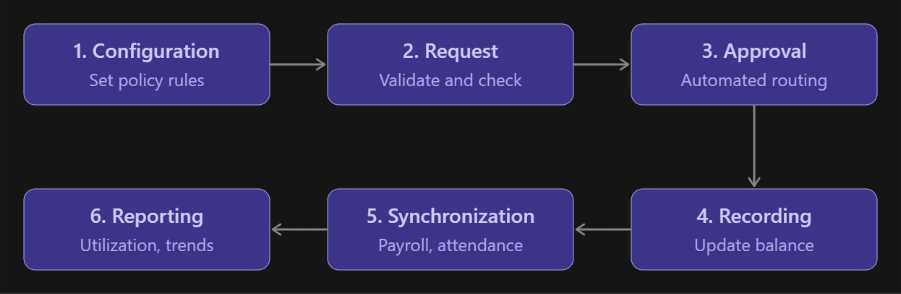
Step 1:
Configure the system: Define various aspects of the leave application process (e.g., leave types, accrual rules, public holidays) here, which will then be used by other parts of the app throughout its life cycle. This phase requires human input only during initial configuration, after which everything else becomes automatic.
Step 2:
Submit the request: Employees select a particular type of leave they want to take off along with specific dates using a user-friendly self-service portal/interface.
Step 3:
Route for approval: The request is automatically sent to the right approver based on the predefined reporting hierarchy.
Step 4:
Record the leave: It will reduce applicable days count & display absence status onto team calendar, simultaneously informing others.
Step 5:
Synchronize the data: After getting all validations done successfully, required details related to accepted applications go ahead directly into next level processes for attendance monitoring and salary disbursements.
Step 6:
Review reports: Once the data is captured, analyze leave trends and generate reports for compliance as needed.
Key Benefits of Leave Management Software
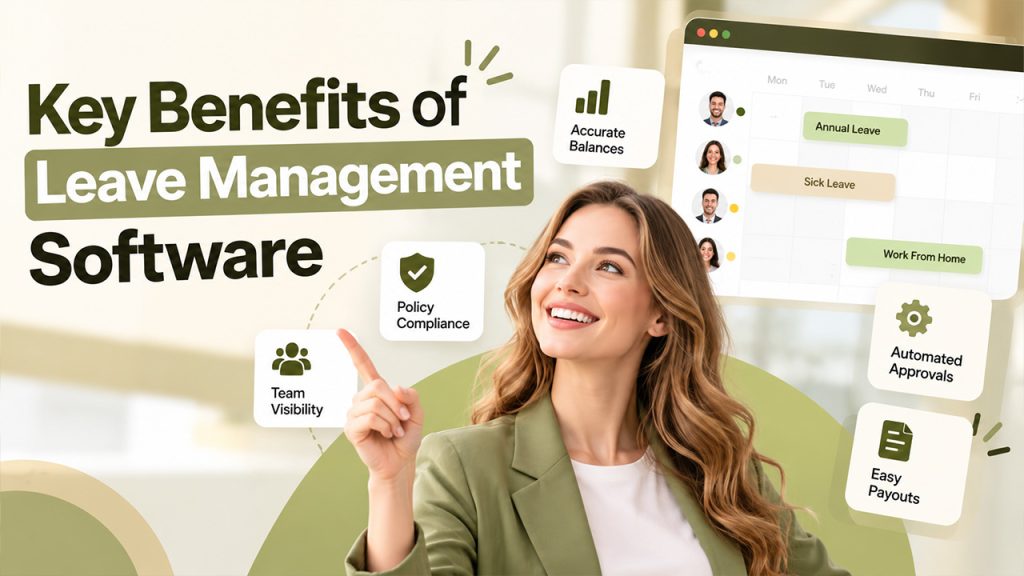
Accuracy and Consistency
Automating accruals calculation while validating against current balance guarantees no arithmetic error will occur in employee data and having one place where you can set company policy.
Administrative Efficiency
Eliminating self-service requests and manual processes related to approvals frees up administrative staff’s time.
Regulatory Compliance
Being able to show time stamped documents when required, restricting “who has access to what” makes sure that you’re always ready for an audit and protect sensitive information.
Workforce Planning
A real-time team calendar shows managers who is absent, so they can assign tasks accordingly.
Control & Transparency
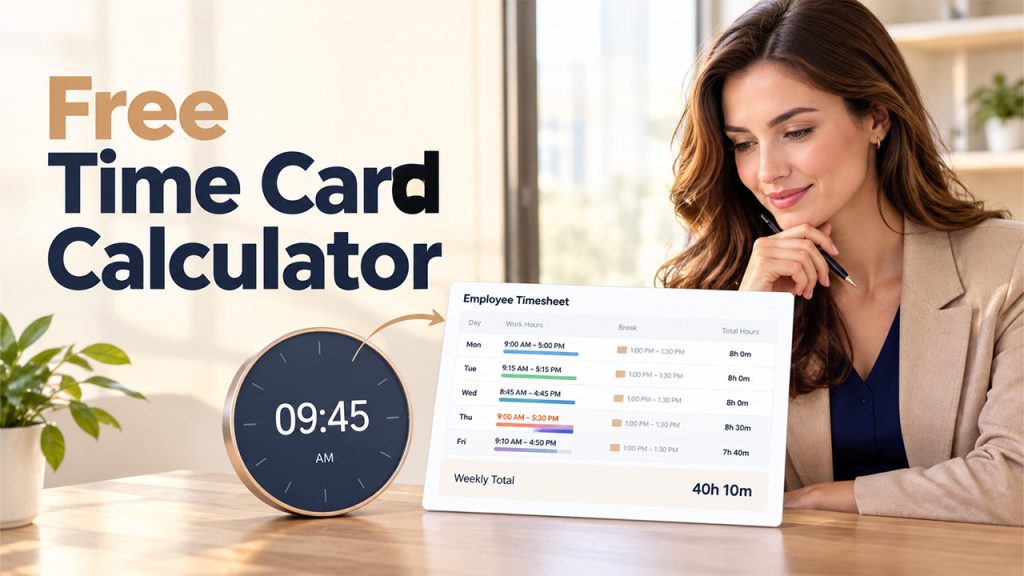
Ensuring that everyone knows exactly how much they’re owed while having payrolls integrate into this system, this prevents mistakes during payout times. To learn more about it, read our guide on payroll management.
Financial Control
Being able to see exact balances and manage payrolls ensures that financial and audit teams don’t run into issues when it comes to figuring out how much should be paid in a certain period of time. This helps avoid costly mistakes before they happen.
How to Select the Right Online Leave Management System?
Start by asking about organizational fit. Does this match my current size and policy complexity? Can it grow with me? Look at compliance coverage; Is there support for all jurisdictions where I operate, along with configurable accrual and eligibility rules?
Next, ask about integration. Will this work with our HRIS, payroll management system and collaboration tools? What’s the product model? Think about security and governance needs – does the vendor offer role-based access, and are data retention controls in place?
Finally, think about emerging capabilities. For instance, will you have an assistant who knows your policies well enough to answer queries via natural language (Oracle offers a “Leave and Absence Policy Advisor”)? Or do you need to use search, filters and other standard mechanisms? AI-powered conversational tools can answer employee policy queries and help employees access relevant information more easily.
Conclusion
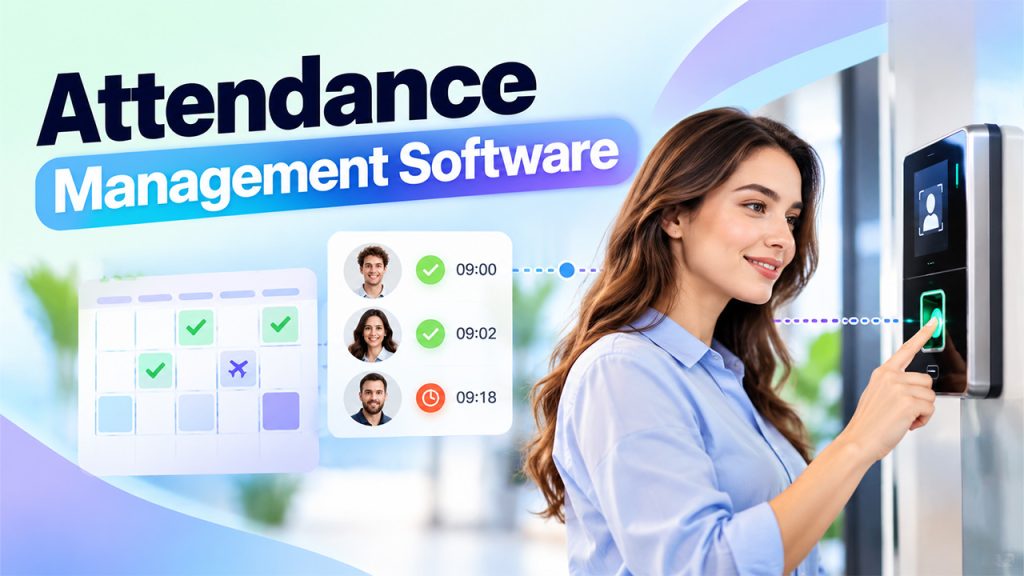
As companies expand, manual employee leave tracking can lead to significant problems including human error, potential non-compliance with relevant legislation and unnecessary costs. Leave management software provides organizations with an automated means of applying leave policies, approvals and keeping records – all on one auditable platform. An employee attendance management system can also help HR teams maintain accurate attendance records, track absences, and support payroll accuracy.
When evaluating leave management software, you need to consider factors such as company size, required level of compliance coverage, integration requirements and data security.
Frequently Asked Questions
What is Leave Management Software?
It’s a digital system designed to automate the process of requesting, approving, tracking, and reporting on leaves for an organisation.
Who needs this software?
Every organization where either the number of leaves taken by employees or their policies are getting too complex to manage manually can benefit from having such software.
Can this software be integrated with your Payroll?
Almost all of these software integrates with payroll and other attendance systems to provide synchronized data between them.
How does it support compliance?
It keeps time-stamped records, retention controls, and restricted access to sensitive data.