
Suppose it’s 9 a.m. on a Monday, and someone in the HR department is juggling three different spreadsheets, trying to figure out why Priya’s hours from last Thursday don’t match what she remembers working. This is more common in corporate than people like to admit. Maybe you’ve lived a version of this yourself by chasing down a missed clock-out, rounding numbers to “close enough”, or listening to an employee who insists they worked later than the sheet says. It’s tedious rather than dramatic and eats up time nobody has to spare. This is exactly the kind of mess a time card calculator was built to clear up, making it easier to manage employee attendance.
What Is a Time Card Calculator?
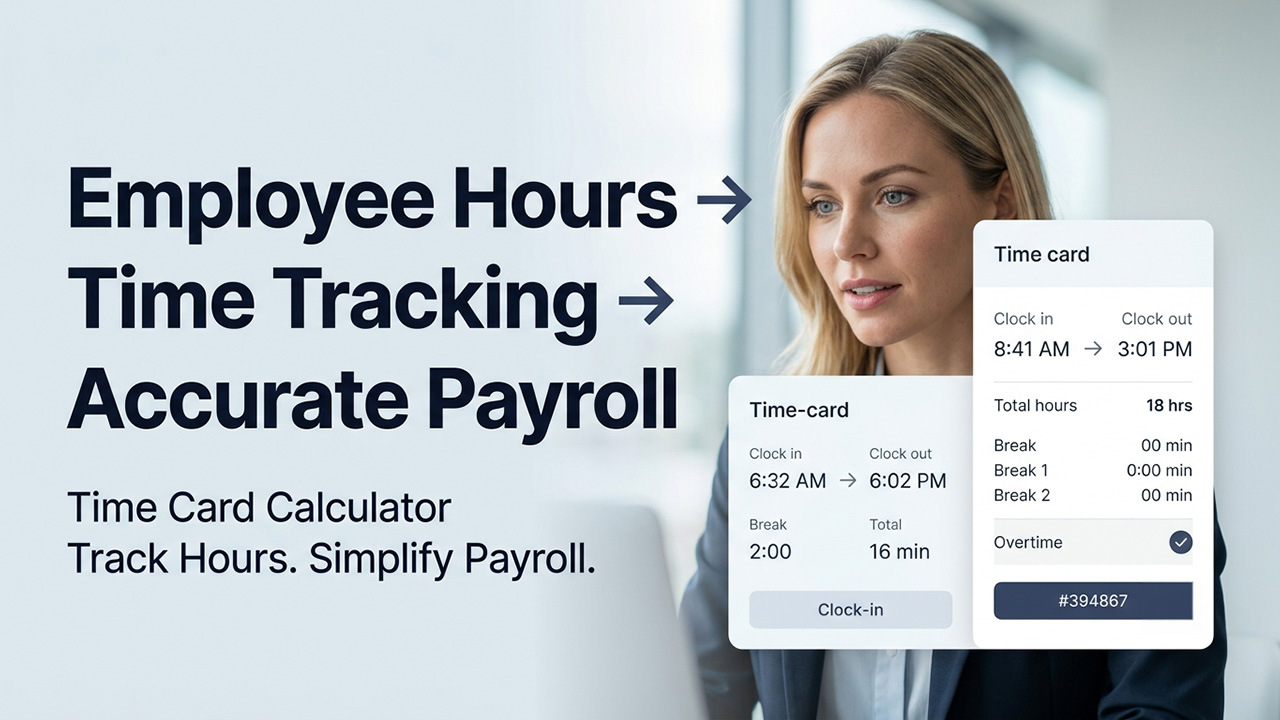
A time card calculator is a tool that is used for recording how long someone works and turning that into usable numbers like total hours, overtime, and breaks. Employees log times when they start and end working, and the calculator does the math instead of a person doing it by hand. It’s the modern version of the old paper punch card. However, nothing gets lost, smudged, or “accidentally” rounded up. At its core, it’s a small piece of time-tracking technology that saves everyone from doing arithmetic they don’t want to do.
Why a Time Card Calculator Matters for Businesses
The most important thing about paying people is that it has to be right. Not “close enough”, but actually right. Errors are bound to occur when hours are tracked by hand, on paper, or in a shared spreadsheet. A missed entry or even a small typo can reduce someone’s paycheck and cost them their hard-earned money. In a worst-case scenario, someone might get paid for hours they didn’t even work.
This is where a time card calculator comes in handy. It removes the guesswork by providing businesses with a dependable time and attendance record. Now, nobody has to rely on their memory or good intentions.
There’s also a compliance aspect. Labor laws around overtime, breaks, and minimum hours vary by state and country, and getting them wrong can mean fines or worse. However, a calculator that tracks this automatically takes that pressure off business owners.
Key Features of a Time Card Calculator
Clock-In and Clock-Out Time Tracking
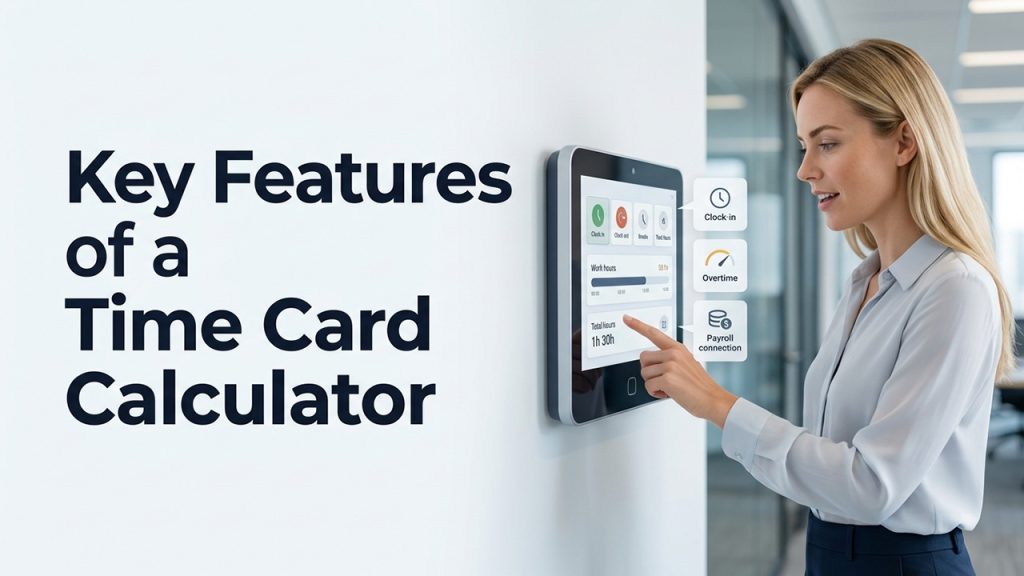
Employees log in to start working and log out when they are done, either through an app, browser, or sometimes a physical device. This feature single-handedly eliminates most of the guesswork around actual hours worked.
Automatic Overtime Hour Calculation
Nobody needs to check manually who has crossed 40 hours in a week. The calculator flags it instantly. Overtime math can get messy pretty fast, especially with employees who work irregular shifts. However, the calculator keeps things sorted.
Break and Lunch Time Tracking
Good calculators are the ones that separate paid work time from unpaid breaks. This is helpful in keeping payroll accurate while allowing businesses to stay compliant with labor laws that require documented rest periods.
Employee Hours Reports and Summaries
There are several tools available on the market that generate weekly or monthly reports to show how hours break down. This gives context to raw numbers and turns them into something that a manager can derive meaningful insight from, without spending hours on it.
Mobile Access for Flexible Time Tracking
There is a lot of work that doesn’t happen behind a desk, such as retail, construction, and delivery. So, mobile-friendly clock-ins mean employees can log time from wherever they actually are.
Payroll System Integration
The best timecard calculators connect seamlessly to payroll software. This helps work hours flow straight into paychecks without anyone having to re-type numbers. The less the manual work, the fewer chances for something to go wrong.
Top Benefits of Using a Time Card Calculator
Saves Time on Manual Timekeeping
HR professionals no longer have to spend hours managing timesheets every week. The calculator handles everything. It’s not the flashiest benefit, but it gives back hours to HR teams that they can redirect elsewhere.
Fewer Payroll & Time Tracking Errors
Humans are more likely to make mistakes while doing math. However, when machines handle calculations, the mistakes almost disappear. Employees get paid for exactly what they work for, which reduces errors with a proper system in place.
Improves Transparency in Employee Hours
When employees can see their own hours whenever they want, their confusion disappears and they start trusting the process more. Additionally, both management and employees can avoid awkward conversations regarding working hours or paychecks.
Support Better Workforce Management Decisions
It gives owners and managers a clear view of labor costs, staffing patterns, and where overtime is piling up. This level of visibility helps them plan next month or the next hire better, removing the guesswork.
Strengthens Trust Through Accurate Time Records
When employees see consistent numbers that they can verify easily, they come to trust the system more. That trust quietly reduces disputes, confusion, and contributes to a calmer workplace overall.
Support Compliance
When everything is tracked automatically and accurately, businesses tend to meet legal requirements surrounding overtime and breaks.
How to Use a Time Card Calculator in Your Workflow
Set Up Employee Profiles
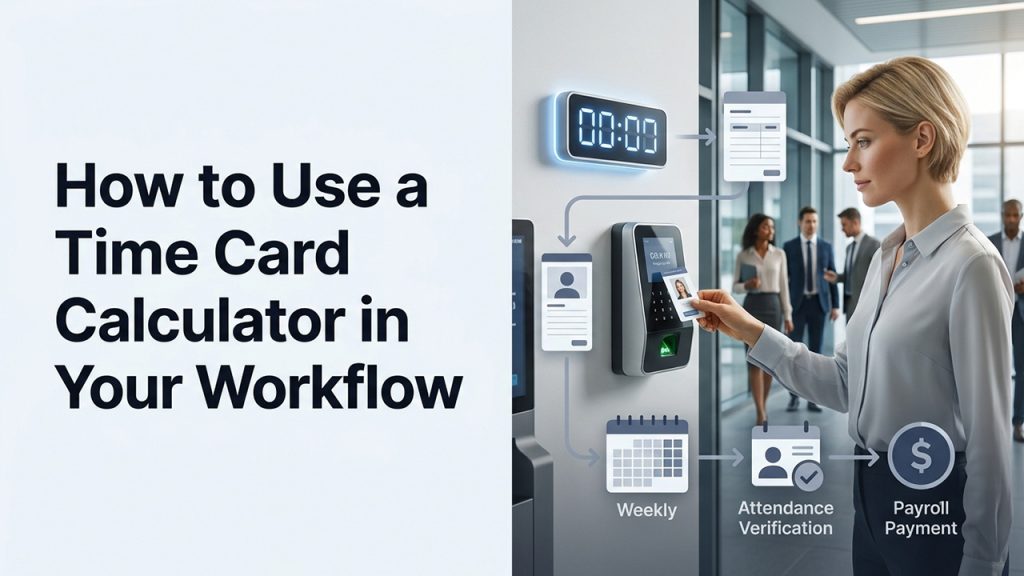
First, add each employee into the system, along with their pay rate and schedule. This usually connects to a broader employee database, so the information stays consistent across payroll and scheduling.
Have Employees Log Their Work Hours
After you’re done with the setup, ask employees to clock in and out as they normally would, either through an app, browser, or device. Make sure everybody does this consistently, as the system only works well if the habit sticks.
Review Employee Hours Regularly
Don’t wait until you have to credit the paycheck. Make it a habit to check numbers weekly, so that you can spot inconsistencies early before they escalate into a bigger mess at the end of the month.
Connect Time Tracking With Payroll Systems
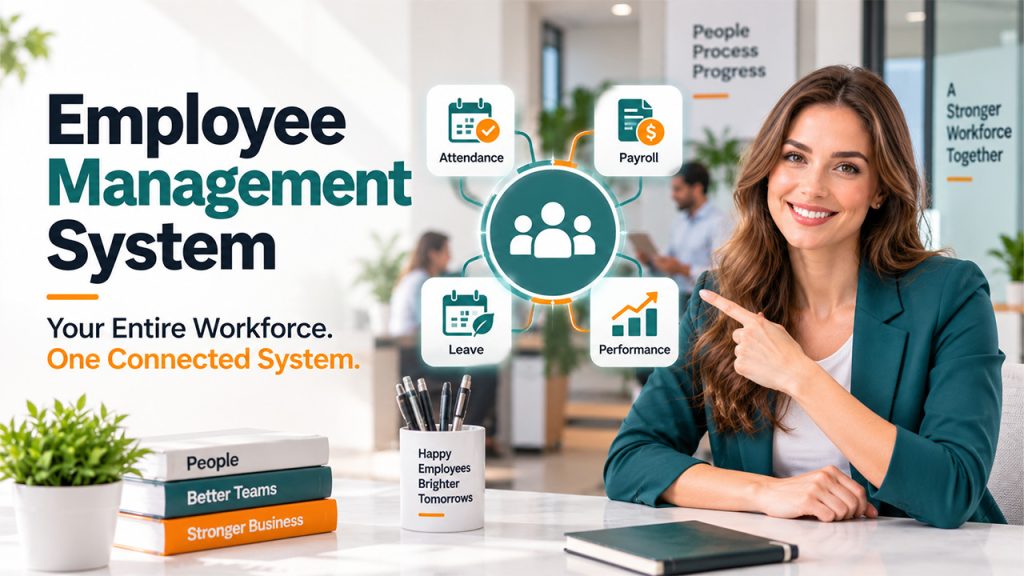
For better management, most businesses integrate their timecard calculator with a wider employee management system. This way, everything from hours and attendance to leaves and payroll lives in one place instead of scattered across different tools that don’t even talk to each other.
Audit Time Records Occasionally
It is worth double-checking if the numbers match reality. Compare reported hours against an employee attendance system to catch any discrepancy that might have slipped through. This isn’t about mistrust; it’s just good practice to keep an eye on things even if you have machines doing them for you.
Conclusion
A time card calculator doesn’t do anything extraordinary or fancy. Its purpose is to keep a clear, honest record of when someone worked and for how long. It might sound small; however, this small change untangles a lot of mess and solves real problems. Nobody needs to argue about their working hours, no more guessing, and no more waiting to see if a paycheck is right. In 2026, businesses have stopped leaving important things like people’s wages up to memory or a messy spreadsheet. And once the payroll gets sorted, the workplace becomes less stressful, which is really all anyone wanted from it in the first place.
Frequently Asked Questions
Is a time card calculator only useful for large companies?
Not at all. Small businesses and even solo freelancers benefit just as much, since accurate hour tracking matters regardless of team size.
Can a time card calculator handle multiple employees at once?
Yes, most modern tools are built to manage entire teams simultaneously, tracking each person's hours, breaks, and overtime separately while still generating combined reports for payroll and management.
Does using a time card calculator replace the need for HR oversight?
No, it simplifies the process but doesn't eliminate human oversight. Someone still needs to review reports, approve exceptions, and handle unusual cases the system can't judge on its own.
Are time card calculators secure for storing employee data?
Reputable tools use encryption and secure storage to protect sensitive information like pay rates and hours worked.
Can employees access their own time card data?
Most systems let employees view their logged hours anytime, which builds transparency and cuts down on disputes.