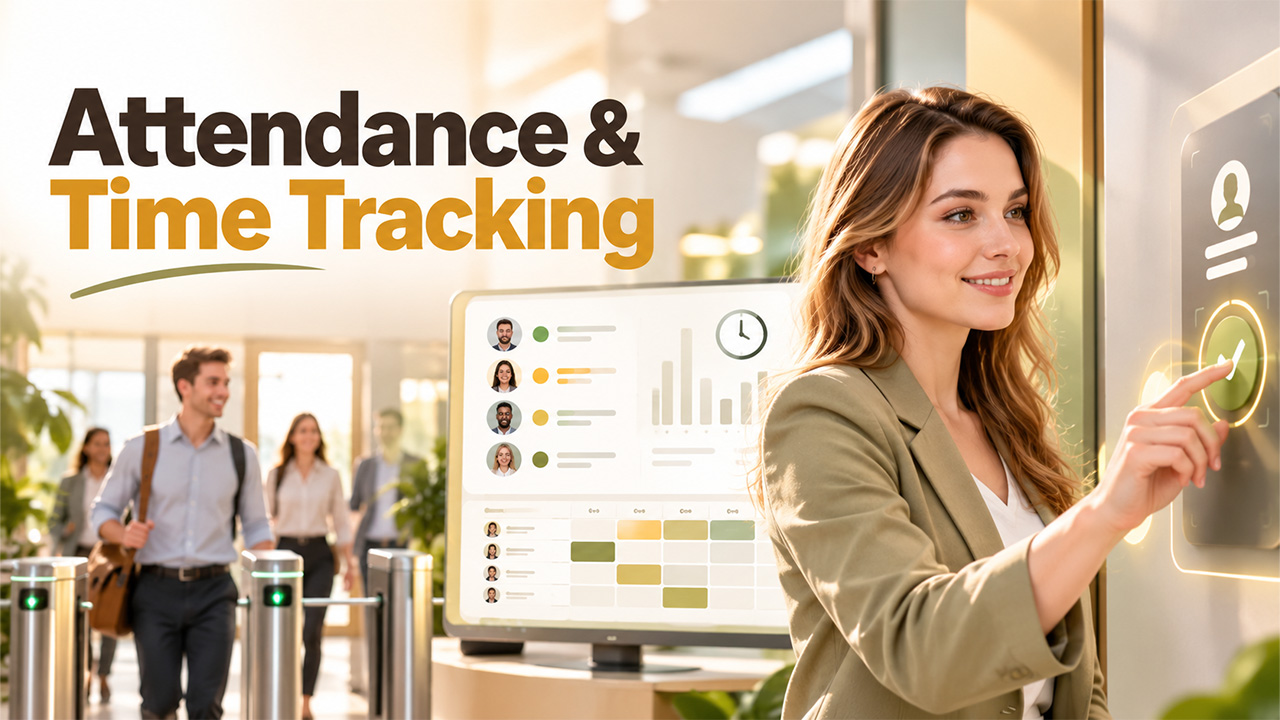

How does a business know if it’s paying its employees properly? How can it create a solid schedule or even prove that it was following the law? Answer: It needs to have records showing when everyone started and stopped their work sessions. A missing or additional hour affects more than just what gets printed out of the printer — it has a ripple effect across budgets and legal compliance too.
When businesses don’t maintain attendance and time tracking practices, they’re left managing everything manually — leading to potential issues that might include inaccurate paychecks, employee scheduling hiccups (like having nobody available at peak times), and possible legal exposure. Over a year, this lack of consistent records could turn minor missteps into major disasters. This article covers what exactly “attendance & time tracking” means (the basics), why it’s important for your company, some of the advantages of using such systems, plus providing some real-world use cases.
What Is Attendance & Time Tracking?
With attendance tracking, you know whether your employee was there for work or not — who was at work, who was absent, and who arrived late. But time tracking helps you go deeper into details by showing you the duration of work done by each individual, along with tasks, clients or projects involved. Since both approaches have similar objectives, most businesses see them as one big picture function. Together, attendance & time tracking help you answer 3 important questions: Who worked? When did they work? And On What?
This could include keeping an attendance log (paper-based), or using an entire software solution linked to other functions like payroll and scheduling. Whatever system you implement, good data is everything. Data should be comprehensive, accurate, and easily accessible whenever needed.
Most employees working hourly fall under the category where companies choose to implement employee tracking solutions because they’re paid based on hours. However, salaried staff members, contractors, and even remote teams are monitored, too. Tracking them ensures you get relevant info about attendance, leaves taken, or project billing depending on team structure.
How Attendance & Time Tracking Works
Most systems will have the same 5 steps whether they are basic or complex.
Capture
The worker clocks in and out either via a clock, badge reader, phone app or tablet. Some are even built to capture breaks and meal times as separate entries.
Verify
The entry is verified as being made by the correct person in the correct location. This might take the form of PIN code, fingerprint scan, photo capture, or a GPS verification on a phone.
Store
The entry is stored with a date, time and employee name. Cloud based systems allow this data to be stored in a central location accessible to all staff who need it.
Review
Vendors or managers review the data to make sure there are no missing punches or other discrepancies. Entries can be edited and approved for payment.
Use
The data is applied to a payroll system, invoices, and financial statements without having to re-key information. Timekeeping rules are embedded into the software to calculate overtime, holidays, and unpaid breaks according to your specifications.
Older systems use a signup sheet and a punch card that someone has to total at the end of the day. Counting entries by hand is slow and one off entry can massively impact a paycheck. Software eliminates errors and keeps an audit trail of every change. On the audit trail, you can see who made the change and why. Businesses can improve record accuracy and reduce manual payroll errors by adopting automated payroll processes.
Mobile apps are useful for staff who work in the field, driving between jobs, or working out of their home. Rounding rules, grace periods, and arrival rules can be set to apply to all employees. The more steps that are automated, the less chance that human error will impact a payroll entry.
Where Shift Management and Roster Management Fit?
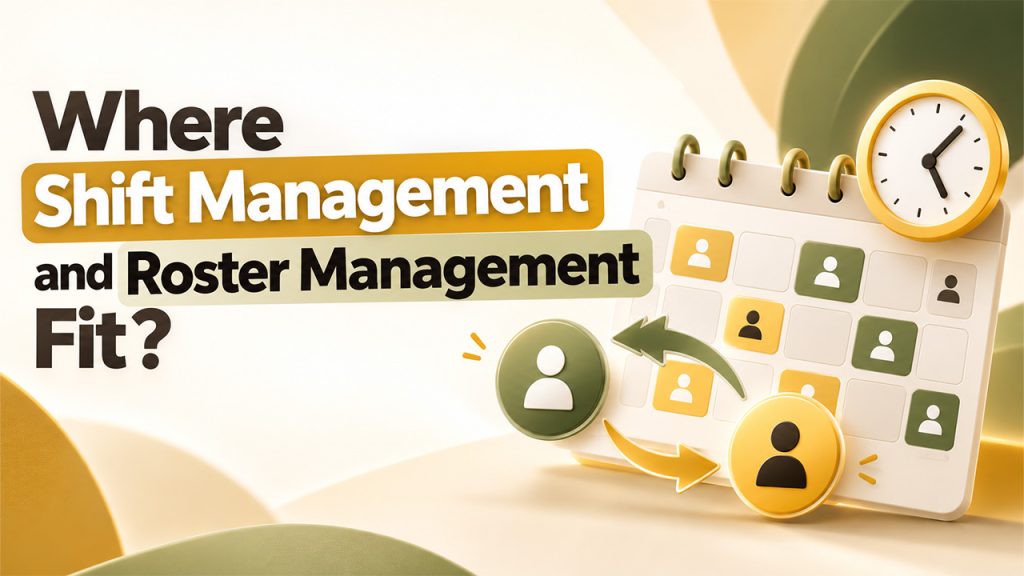
There are three main functions in the system: records what happened, shift and roster planning, and managing the two. The last process makes the best use of the data generated by the first, and they are most effective when they are all synced.
The task of shift management is to staff every shift according to its needs with the available personnel. It is used to swap shifts, register new ones, and mark days off. Employees can propose a swap, and managers can approve it.
Roster management builds the longer plan that sets who works which shifts over weeks. A good roster matches worker skills and preferred hours to the expected workload. It also keeps weekly hours under overtime limits and respects rest rules.
The tracking data enables the planner to understand where the previous week went wrong, and make the relevant adjustments to the new roster being created. If there were a number of Friday shifts where the staff arrived late and overtime was recorded, the planner will ensure that the new roster takes this into account.
Alone, each tool is useful, but their combined presence creates a synergy that improves the outcome. An employee who sees the plan, shift swaps, and time records can make better decisions. Those who have to plan for a small team can begin with time tracking and add scheduling software and rostering later. Larger operations with multiple locations and larger teams benefit from using all three tools from the start.
Benefits of Attendance & Time Tracking
Pay Right
When your business properly keeps track of time, you’ll have exact hours you can accurately pay for — ensuring your employees always receive the correct paycheck without having to compensate for anything they did not actually do. With traditional paper-based time tracking systems, you’re more likely to have inaccuracies (e.g., round-off errors), missing pages and/or disagreements with your workforce about how much money was earned during each project.
Improve Scheduling
With good timekeeping habits, managers can better understand peak times vs. slow days throughout the week and build more effective schedules around those realities while reducing employee idle time by working smarter, not harder. Plus, everyone will enjoy better job stability and predictability knowing exactly what shifts and tasks are expected of them daily.
Take Control of Your Labor Cost
Time tracking software provides insight into your team’s overall workload — allowing leaders to easily identify trends such as increasing overtime usage or an individual clocking-in whenever someone else is taking lunch break!
Promote Fairness
Employees should be able to view their personal logs anytime they want – giving them immediate recourse if there seems any sort of mistake made concerning either length/amount worked performed at particular timespan(s).
Reduce Legal Risk
Having comprehensive documentation available helps establish veracity during investigations or any legal conflict.
Examples of Attendance & Time Tracking
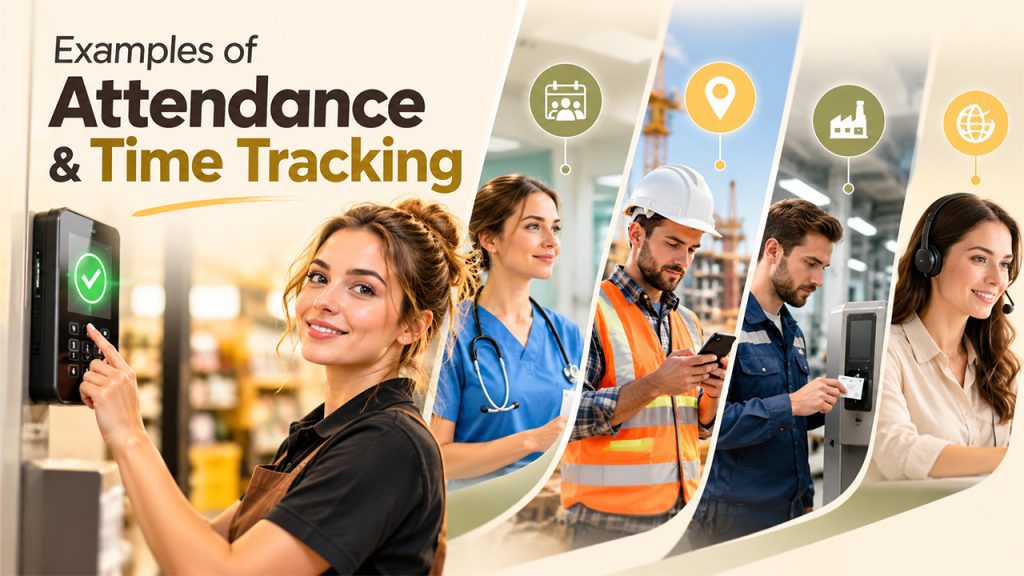
Examples show how the same tools fit very different jobs.
Retail
A retail chain places a tablet at each store’s back door. Staff clock in with a PIN, and managers see who is on shift from any phone.
Healthcare
A hospital runs rotating shifts, day and night, across many wards. Its roster tool that checks rest rules and skill mixes before a shift is published. Time records then confirm who worked, and night pay is added correctly.
Construction
A construction firm uses phone apps with location checks on each job site. Crews clock in only when they stand at the site, and hours post to that job. The firm bills each client with proof of the hours worked. Businesses can improve workforce visibility with geo attendance tracking.
Manufacturing
A factory with three shifts uses badge readers at each gate.
Remote work
A small agency has remote staff in several time zones. Each person logs hours against client projects in a simple web timer. The owner sees which projects earn a profit and which go over budget.
Compliance and Data Considerations
These time records are legal records with different regulations depending on your country/state. Your laws will describe things like how long you need to hold onto these records, how you have to pay overtime wages and what types of breaks you should give employees.
Your best bet is to consult with a local legal adviser to make sure they understand all the relevant rules applicable to your businesses.
When you’re tracking your workforce’s activities, you’ll likely be collecting certain pieces of personal data—like names, locations and even sometimes fingerprints. Ensure that you’re collecting only what you need from an employment standpoint and informing those you track about this.
Limit access to only those involved with either paying your staff or planning your schedule. After the appropriate legal duration, ensure that old records get deleted.
Look at which vendors provide security over the data they store while also giving companies the ability to easily extract it. As biometric data, including fingerprints and photos, is considered sensitive information in some jurisdictions, it is recommended to ask for a PIN if the local legislation allows for such an option. For more guidance, businesses can review data security and privacy practices to understand how sensitive information is protected and managed.
Conclusion
Attendance & time tracking system turns hours worked into easily understandable documentation. This documentation can then be used to ensure proper employee payment and schedule, reduce costs, and mitigate legal issues. Shift and roster management software builds on top of this information to help create stronger schedules. The type of solution is dependent on the size of the team, the nature of the work carried by the company, and the legal requirements in the area.
.
Frequently Asked Questions
What is attendance and time tracking?
It's the process of recording when employees start, end, and take breaks during work.
Why is attendance and time tracking important?
It makes sure the payroll is accurate, also improves productivity, and helps businesses stay compliant with the laws.
How does attendance & time tracking software work?
Employees clock in and out via an app, biometric device, or web portal, and the system automatically logs and calculates their hours.
Can small businesses benefit from time tracking?
Yes, it reduces payroll errors, saves admin time, gives owners visibility into labor costs, and helps in legal conflicts.
What features should I look for in a time tracking tool?
Look for easy clock-in options, payroll integration, leave management, real-time reports, and mobile access.