
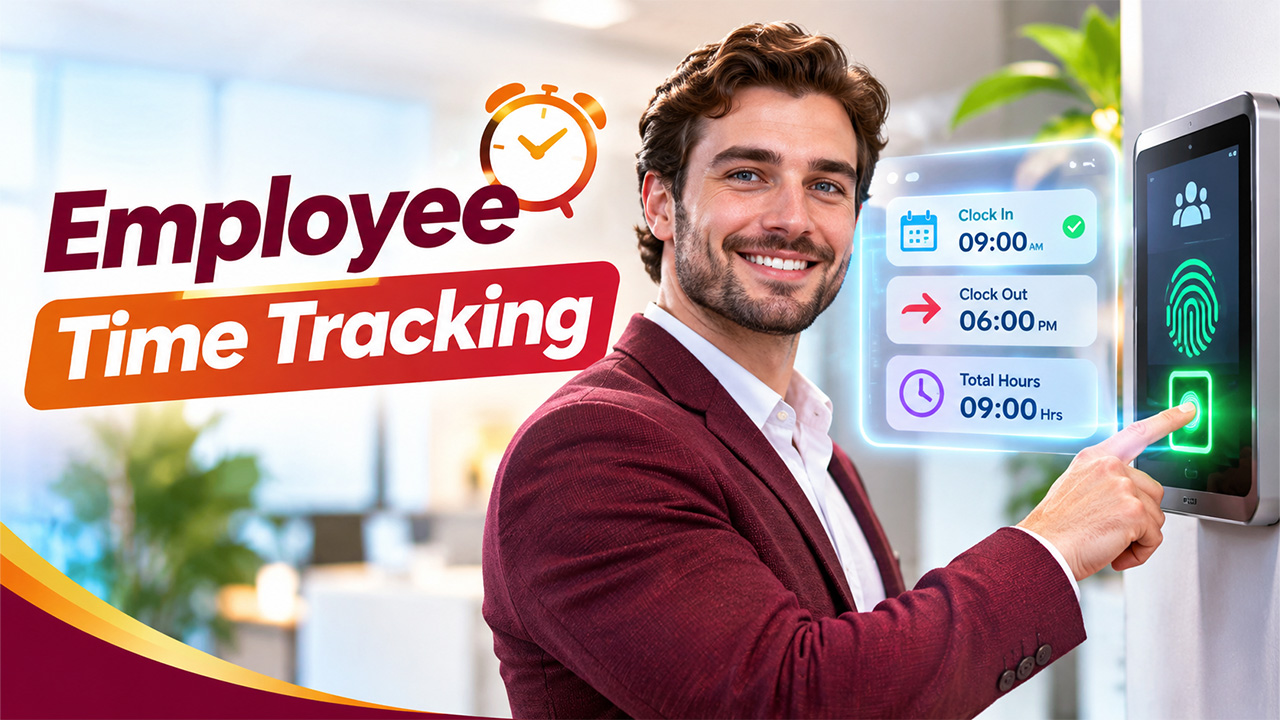

Managing employee productivity is not just about assigning tasks and meeting deadlines. Businesses also need to understand how working hours are spent, whether employees are following their schedules, and where time management can improve. This is where employee time tracking becomes an important part of modern workforce management.
Whether a company operates from an office, manages remote employees, or follows a hybrid work model, keeping accurate records of working hours helps maintain transparency and accountability. It also allows managers to identify productivity gaps, simplify payroll calculations, and distribute workloads more effectively.
With digital tools becoming increasingly common, businesses can move beyond traditional attendance registers and manual timesheets. Modern tracking solutions make it easier to record work hours, monitor attendance, and generate useful reports. Understanding the available methods, benefits, and best practices can help organizations choose an approach that supports both business goals and employee needs.
What Is Employee Time Tracking?
Employee time tracking is the process of recording how much time employees spend working during scheduled shifts, completing projects, or performing specific tasks. It helps organizations maintain accurate attendance records and understand how working hours are distributed across different responsibilities.
Depending on business requirements, tracking can be performed manually or through automated digital systems. For example, employees may record their start and end times using a timesheet, biometric device, mobile application, or web-based platform.
Effective employee time tracking is not necessarily about watching employees throughout the day. Instead, it focuses on maintaining reliable records, improving workforce planning, and ensuring that employees receive appropriate credit for their working hours.
Common Methods of Employee Time Tracking
Different businesses have different workforce requirements. A small office may need a simple attendance register, while an organization with hundreds of employees may require automated tracking.
Here are some commonly used methods:
1. Manual Timesheets
Manual timesheets are one of the oldest methods of recording working hours. Employees enter their daily start times, finishing times, breaks, and task durations into spreadsheets or paper-based records.
This method is inexpensive and relatively easy to implement. However, it depends heavily on employees entering accurate information. Missing entries, calculation errors, and delayed submissions can create administrative problems.
Manual timesheets may work for small teams, but growing businesses often need a more reliable approach.
2. Biometric Attendance Systems
Biometric systems use fingerprints, facial recognition, or other biometric identifiers to record employee attendance. Employees check in and check out using a designated device installed at the workplace.
This approach reduces the possibility of proxy attendance and creates more consistent attendance records. However, organizations should consider data privacy, security, consent, and applicable workplace regulations before implementing biometric technology.
3. Digital Time Tracking Applications
Digital applications allow employees to record their working hours using computers, smartphones, or tablets. Many solutions also support project tracking, break management, attendance reports, and automated notifications.
Using time tracking software for employees can reduce repetitive administrative work and make attendance information accessible to authorized managers.
Some platforms also offer integrations with payroll, HR, and project management applications, making workforce administration more efficient.
4. Clock-In and Clock-Out Systems
Traditional punch cards have gradually been replaced by digital clock-in and clock-out systems. Employees record their attendance through a physical terminal, mobile device, or browser-based application.
An automated work hours tracker can calculate total working hours, identify late arrivals, and highlight overtime based on configured policies.
This method is particularly useful for businesses that operate fixed shifts or manage employees across multiple locations. An employee shift management system helps managers organize schedules, coordinate employee availability, and maintain workforce coverage across different teams.
Key Benefits of Employee Time Tracking
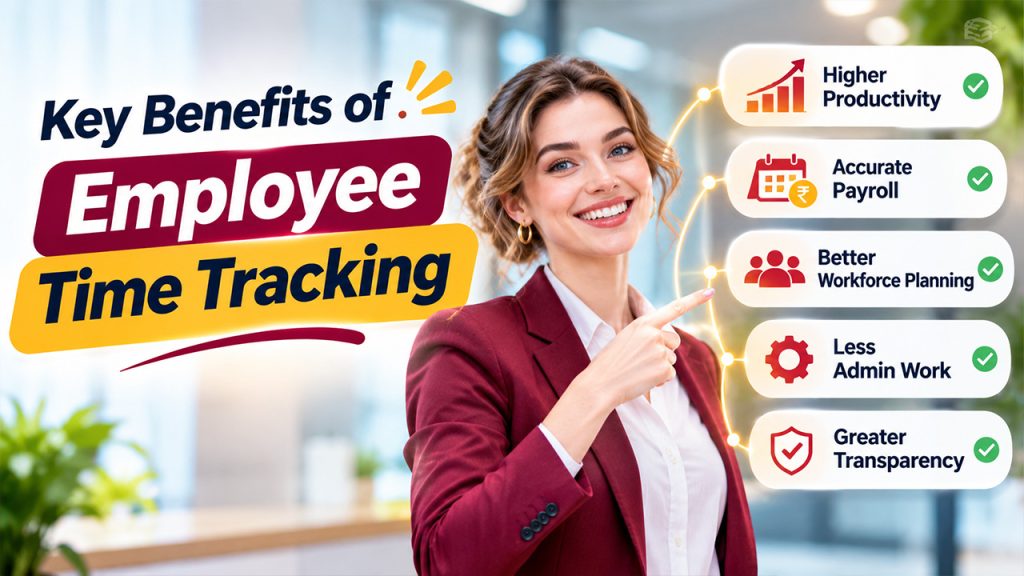
Accurate attendance information can improve several aspects of workforce management. Here are some important benefits organizations can achieve.
1. Improved Productivity and Accountability
When employees understand how their working hours are recorded, they become more aware of their schedules and responsibilities.
Employee time tracking also helps managers identify recurring delays, unnecessary interruptions, and workload distribution issues. Instead of relying on assumptions, managers can use recorded information to make informed decisions.
The goal should be to encourage better time management rather than create unnecessary pressure.
2. More Accurate Payroll Processing
Payroll errors can create frustration among employees and additional administrative work for HR departments.
Accurate attendance records make it easier to calculate regular working hours, overtime, leave deductions, and other attendance-related adjustments. This reduces the chances of errors caused by missing or incorrectly entered information.
When connected with payroll applications, employee time tracking can simplify the process of transferring attendance data into payroll calculations.
3. Better Workforce Planning
Managers need to understand how many employees are available during specific shifts and business hours.
Attendance reports help organizations identify staffing shortages, recurring absenteeism, and scheduling patterns. These insights can support better shift planning and ensure that departments have adequate coverage.
For companies managing multiple teams or locations, reliable attendance data becomes particularly valuable.
4. Reduced Administrative Work
Manually collecting timesheets, checking attendance registers, and calculating working hours can consume significant HR resources.
Automated systems reduce repetitive tasks by recording attendance and preparing reports automatically. HR professionals can spend more time on employee engagement, recruitment, performance management, and other strategic responsibilities.
5. Greater Transparency
Employees should have access to clear information about their recorded working hours.
A properly implemented employee time tracking process allows employees and managers to review attendance records, identify discrepancies, and resolve issues before payroll processing.
This transparency can strengthen workplace trust and reduce misunderstandings regarding attendance and overtime.
Essential Features to Look for in Employee Time Tracking Software
Choosing the right platform is important because not every business has the same workforce management requirements.
When comparing available solutions, consider these essential features.
Automated Attendance Recording
A reliable system should allow employees to record their attendance without complicated manual processes. Features such as digital check-ins, check-outs, and automated calculations can improve accuracy. Businesses can also use automated time-tracking tools to simplify work-hour tracking and improve visibility across distributed teams.
Real-Time Attendance Monitoring
Managers should be able to view employee attendance information and identify late arrivals, absences, and shift-related issues.
Overtime and Break Management
The platform should support configurable overtime rules, break schedules, and working-hour policies. This helps businesses maintain consistent attendance records.
Mobile Accessibility
Employees working remotely, visiting clients, or operating across different locations may not have access to office-based attendance devices.
A mobile-compatible solution makes it easier to record working hours from approved locations.
Reporting and Analytics
Detailed reports help managers understand attendance trends, overtime patterns, absenteeism, and overall workforce availability.
Payroll and HR Integration
Businesses should consider whether their chosen solution integrates with existing payroll and HR applications. Integration reduces duplicate data entry and supports smoother administrative workflows.
An effective employee time clock software solution should offer the right combination of these features without making everyday attendance management unnecessarily complicated.
Best Practices for Effective Employee Time Tracking
Implementing technology alone does not guarantee accurate attendance management. Organizations also need clear policies and consistent processes.
1. Establish Clear Time Tracking Policies
Before introducing a tracking system, explain how employees should record their working hours. Define shift timings, break periods, overtime rules, attendance corrections, and reporting procedures.
Employees should understand what information is collected and how it will be used.
2. Choose a System That Matches Business Needs
A small business may not require advanced workforce analytics, while a large organization may need multiple locations, shift scheduling, and payroll integrations.
Evaluate the number of employees, work arrangements, administrative requirements, and budget before selecting a solution.
3. Train Employees and Managers
Employees should know how to clock in, clock out, submit corrections, and access their attendance records.
Managers and HR teams should also receive training so they can review reports, handle discrepancies, and apply attendance policies consistently.
4. Prioritize Employee Privacy
Tracking systems should collect only the information necessary for legitimate business purposes.
Organizations should communicate their monitoring policies, restrict access to sensitive records, and follow relevant data protection and employment regulations.
Avoid unnecessary monitoring that can damage employee confidence.
5. Review Attendance Reports Regularly
Businesses should periodically review attendance information to identify patterns and operational challenges.
For example, repeated overtime may indicate understaffing, while frequent late arrivals could suggest scheduling problems. Use these findings to improve processes rather than automatically treating every issue as an employee performance problem.
6. Keep the System Simple and Accessible
Complicated attendance processes can discourage employees from using a system correctly.
A user-friendly time and attendance system should make it easy to record working hours, review attendance details, and correct genuine mistakes.
Simplicity encourages adoption and improves the quality of collected data.
How to Choose the Right Time Tracking Solution
Selecting a suitable platform requires balancing functionality, usability, and cost.
Start by identifying the problems your organization wants to solve. For example, businesses struggling with manual payroll calculations may prioritize automated attendance reports, while organizations with remote employees may need mobile check-ins and location-based attendance options. A geo attendance management system can help businesses capture location-based attendance records and improve visibility across remote teams and multiple work sites.
Next, compare pricing structures, integration capabilities, customer support, reporting features, and data security practices.
It is also helpful to request a product demonstration or trial before making a final decision. Allow HR representatives, managers, and employees to test the platform and provide feedback.
The right employee time tracking solution should support existing business processes while remaining flexible enough to accommodate future workforce changes.
Conclusion
Accurate workforce management starts with understanding how employees’ working hours are recorded and managed. Employee time tracking provides businesses with valuable insights into attendance, productivity, overtime, and workforce availability.
From manual timesheets and biometric devices to automated digital applications, organizations can choose from several methods depending on their operational needs.
However, successful implementation requires more than selecting software. Clear policies, employee training, privacy protection, and regular reporting are equally important.
By adopting a practical and transparent approach, businesses can simplify administrative responsibilities, improve payroll accuracy, and create a more organized working environment. Ultimately, the purpose of employee time tracking should be to support better workforce management while maintaining fairness and trust across the organization.
Frequently Asked Questions
What is employee time tracking?
Employee time tracking is the process of recording employees' working hours, attendance, breaks, and overtime. It helps businesses manage schedules, maintain accurate attendance records, and simplify payroll processing.
What are the most common methods of tracking employee working hours?
Common methods include manual timesheets, biometric attendance systems, digital applications, mobile check-ins, and electronic clock-in and clock-out systems. Businesses can choose a method based on workforce size and operational requirements.
How does time tracking software for employees improve productivity?
It provides accurate information about working hours, attendance patterns, and task durations. Managers can use these insights to identify scheduling issues, improve workload distribution, and make better workforce management decisions.
Is employee time tracking suitable for remote teams?
Yes. Cloud-based tracking platforms and mobile applications allow remote employees to record their working hours from different locations. Businesses can also configure attendance rules for remote and hybrid working arrangements.
What should businesses consider before implementing an employee time tracking system?
Businesses should evaluate ease of use, attendance automation, reporting capabilities, payroll integration, mobile accessibility, data security, employee privacy, and pricing. They should also establish clear policies and train employees before implementation.