
Payroll takes more time than most small business owners expect. It involves everything from calculating hours worked and setting up tax rates to keeping track of deductions and meeting filing deadlines. If something goes wrong, you could face unhappy staff members or even additional fees—and that doesn’t include potential letters coming from your local tax agency either.
Payroll software can help make this process faster, easier, and more accurate. With the right system on board, your team can get paid while you stay focused on growing your business—without having to worry about things like filing taxes or keeping records straight anymore.
This guide will give you the five best payroll software options and also explain why payroll software matters, what to look for, and how to choose one. By the end, you will know which one is good for your startup.
Why Small Businesses Need Dedicated Payroll Software
You’ve probably already been paying your employees manually through spreadsheets or handwritten checks. That’s fine if you have three or four employees but won’t scale well as your workforce increases.
There are various tasks involved in maintaining an accurate payroll system—from computing gross pay to deducting taxes and making timely payments to filing reports with both federal and state agencies. Each of these steps involves varying rules and exceptions that differ by state and evolve yearly, making payroll tax management essential for maintaining accurate deductions and keeping up with changing tax regulations.
When you make mistakes with payroll, you’re likely to incur additional financial burdens, including penalties for late or incorrect tax payments. In addition, you’ll lose some level of trust with your workforce members. And when something goes wrong, there will inevitably be a significant amount of time required to identify and remediate issues—time that could otherwise be spent doing more important things!
Instead, payroll software takes care of all these things. It handles pay runs automatically, including calculating pay and taxes and sending out direct deposits. And good software gives you peace of mind when tax season rolls around, with a full history of all payments. Software also allows you to create W-2 and 1099 forms for both your staff and contractors.
What to Look for in the Best Payroll Software
Not all tools are suitable for everyone, so consider these features when making your selection:
Tax filing & payments
Can the payroll software file and pay federal, state, and local taxes? Ensure the tool will cover every state your employees live in.
Ease of use
Will you (and your staff) easily be able to navigate through the interface to locate important documents such as pay stubs, reports, and settings? This feature may reduce the time spent trying to get used to the system through an intuitive employee self-service portal.
Pricing
Beyond the initial subscription rate, do any additional costs exist? Does the tool charge anything extra for things like tax filings, paying contractors, or generating year-end forms?
Support
What support channels does the payroll tool offer? Phone calls, chats, and emails — and during which hours of the day? How long until someone gets back to you?
Benefits & HR tools
Are there options available within the platform that help manage benefits, including health plans, retirement plans, time off, and onboarding processes? Consider these factors if you want to hire additional talent soon.
Integration links with other tools
Is there an option to integrate this tool’s data with your current accounting and time-tracking applications? Ensuring everything stays in sync means you don’t manually enter data into multiple programs, reducing the risk of human error.
Room to grow
If your company grows significantly over the next few years, will you still be satisfied with this particular application? Does it scale up in terms of number of employees supported, different states covered, and new kinds of payment arrangements made? Choosing an effective employee management system can help businesses manage increasing workforce numbers and evolving HR requirements as they expand.
Data Protection
Investigate whether they put proper security protocols around who has access to specific datasets.
Rank your priorities based upon importance first, then use those criteria when comparing one software versus another later on down the line!
The 5 Best Payroll Services for Small Business in 2026
1. Gusto
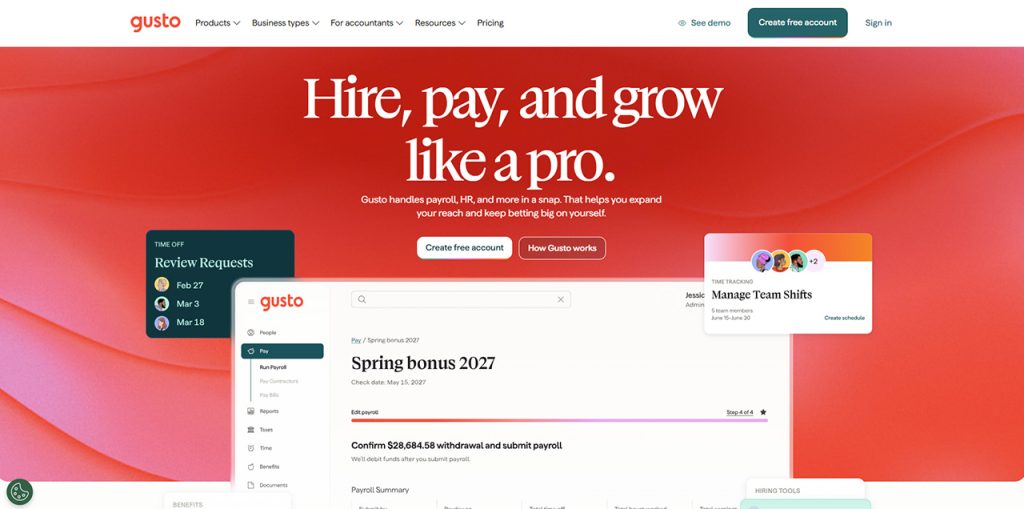
This service will run payroll, file and pay taxes, send direct deposits, and let you pay contractors—all from within this one tool. You’ll be able to set up everything from health and retirement plans to track time and onboard new hires, all inside Gusto’s software. Employees are given access to their own pay stubs and can edit their details in an easy-to-use mobile application.
Gusto integrates well with many different accounting tools, helping keep your business books current. Higher-level plans include HR support as well as additional hiring tools you might need once your company starts growing significantly—and you won’t have to switch to another provider if you decide to adopt these new tools.
The Right Fit For: Growing small businesses looking for a single source for payroll, benefits and HR support.
Pricing: Paid (You get a free trial.)
2. QuickBooks Payroll
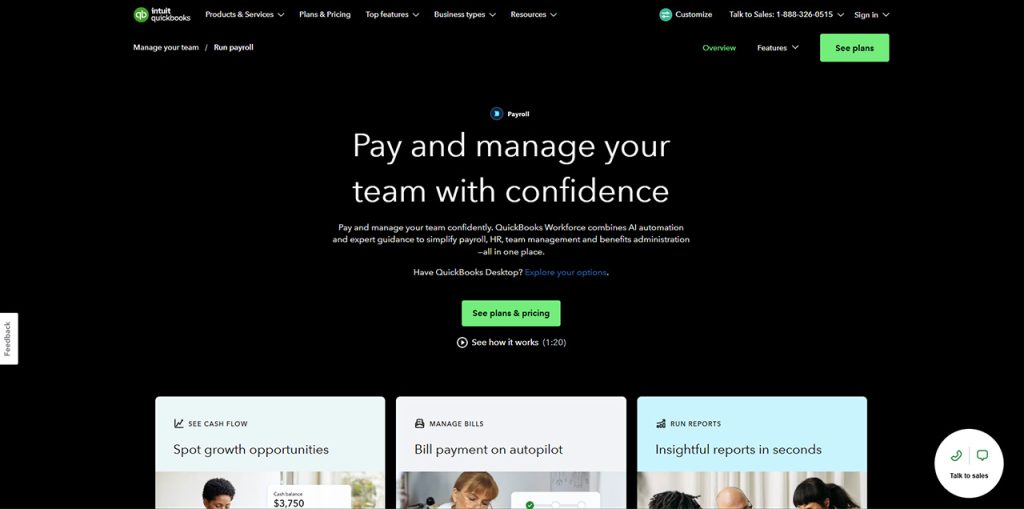
The tool’s creator (Intuit) makes the popular QuickBooks accounting software program, too, and the key advantage is the connection between payroll and your books. Every pay run is also documented into your accounts, so there’s no double-data entry required.
The service automatically calculates taxes, then pays your employees by direct deposit. You can set up time tracking and benefits features, too, and higher plans offer quicker deposits and more dedicated customer support. If you’re already using QuickBooks for your other accounting needs, this interface should be very familiar to you — and all those reports are built off the same data you see elsewhere in your account, making things easier during tax season and when meeting with your accountant. Businesses can also streamline financial workflows through CRM and accounting integration to synchronize information across connected systems.
The Right Fit For: Small businesses that already use QuickBooks for accounting.
Pricing: Paid (You get a free trial.)
3. ADP RUN
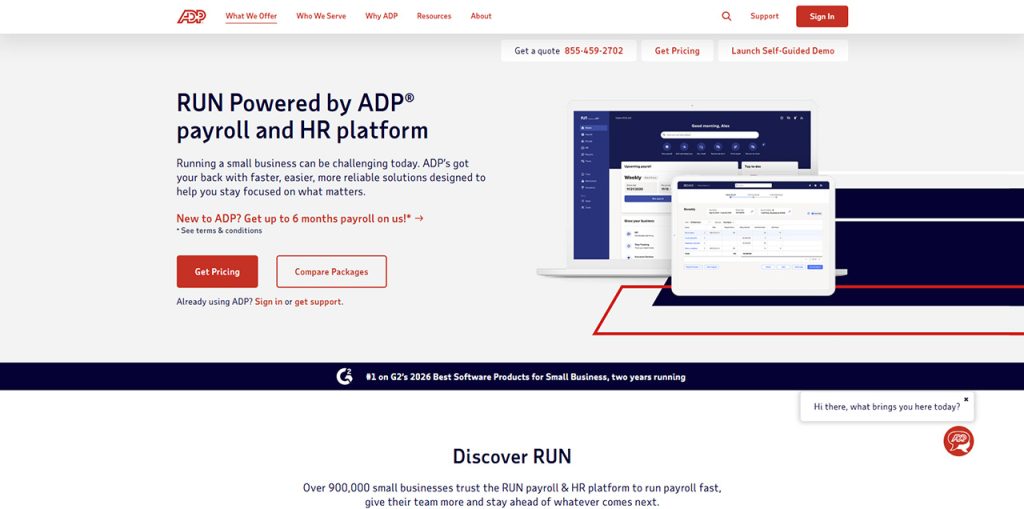
The biggest name among these options, ADP is one of the largest payroll providers in the U.S. Their tool allows you to run your pay runs and file taxes, offer direct deposits, and complete year end forms. And they even provide help from their payroll specialists if you get confused about tax notices or questions pop up.
Their compliance tools keep tabs on changes in tax rules and deadlines for tax filings. They also have some nice add-ons, such as tools for handling health plans, retirement plans, time tracking and HR assistance.
The Right Fit For: Big businesses, those with workers in several states.
Pricing: Paid (prices vary per quote)
4. OnPay
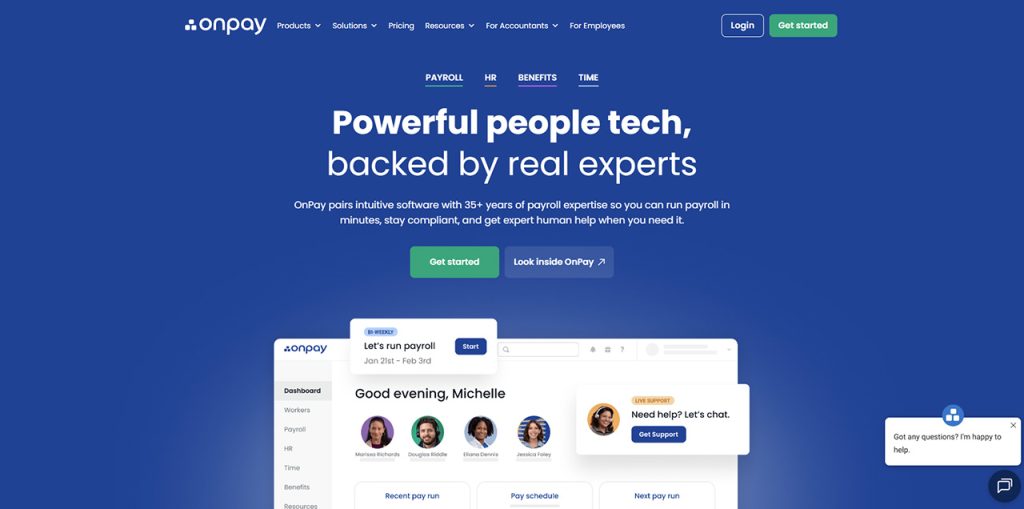
OnPay stands out from other payroll solutions due to its pricing transparency. Instead of offering different levels with increasing features — known as “tiers” — you just pick one plan that gives you everything needed. Then you’ll be charged a fixed monthly base fee plus an amount based on how many people you put on payroll at once.
In addition to basic functions like running payroll management runs regularly throughout months/years depending on your preference choices regarding contract work compensation situations, etc., this package includes direct deposit capabilities while managing various types of worker benefits coverage, including healthcare insurance policies through proper channels where applicable given current federal mandates requiring employers to contribute towards certain aspects related thereto… and much more!
The Right Fit For: Owners who want clear costs, simple billing, every tool in one plan.
Pricing: Paid, with a single plan.
5. Patriot Software
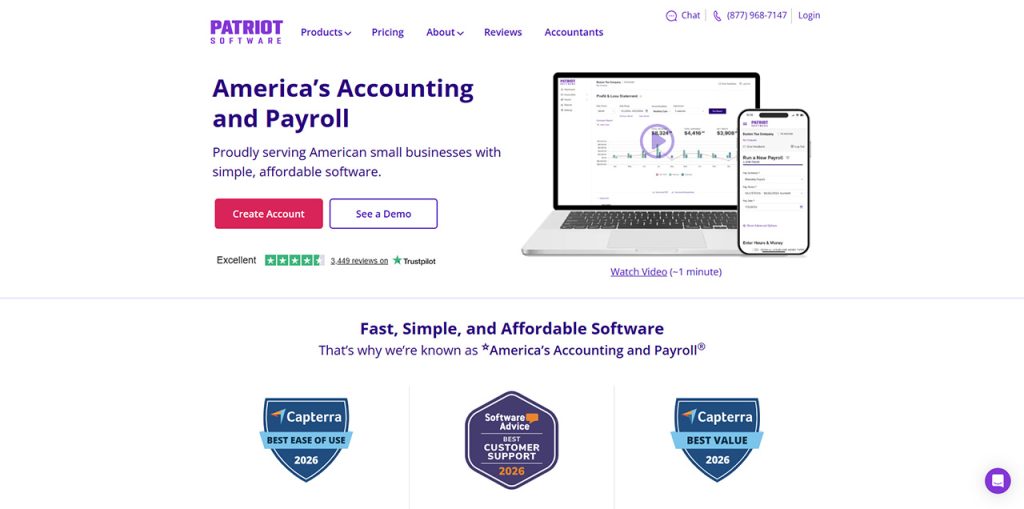
At its core, Patriot Software only focuses on providing simple, low-cost payroll for very small teams. You can pick from two different plans — with the basic one letting you run payroll and pay by either direct deposit or check. Or go with the “full service” option which includes filing and paying payroll taxes.
The setup process is pretty straightforward, as each step has clear instructions that make them easier for people who’ve never used these kinds of tools before. The right payroll software setup can help businesses configure workflows and integrations more efficiently. While there’s less in the way of human resources (HR) and benefits options than what’s available from larger competitors, Patriot does sell accounting software that integrates well with each other, and their entire support team is based out of the United States.
The Right Fit For: Very small teams, new businesses, owners with tight budgets.
Pricing: Paid, with a free trial.
How to Match Payroll Software to Your Business
List your current needs – how many workers do you pay? Which states does that cover? What other benefits are you offering them?
Which tools are you using now? Are you working with accounting software?
Then rank what’s important to you:
- If you’re looking for an HR & Benefits solution all-in-one, try out Gusto.
- Or if you use QuickBooks, their Payroll Tool can save you time.
- Are you interested in expert support services? Try ADP RUN.
- Does transparency matter more to you? Consider trying OnPay.
- Are you most concerned about cost savings? Try out Patriot Software instead.
- Try out multiple options before making your decision.
Most companies will offer a free trial or a demo of their service, so run through a sample payroll with several different vendors to find what works best.
Conclusion
The perfect tool for you is the one that meets the specific requirements of your business. While all 5 options covered here are good at handling the basics (like running payrolls, tax filings, direct deposits), they differ from each other when it comes to additional features, support, and cost structures.
Frequently Asked Questions
What is payroll software?
It automates paying employees, calculating taxes, generating pay reports, etc.
How much does payroll software cost for a small business?
Most plans charge a monthly base fee plus a small per-employee fee.
Can payroll software handle tax filing?
Yes, most top options calculate, file, pay payroll taxes on your behalf.
What features should small businesses look for?
Prioritize tax filing, direct deposit, easy integrations, and responsive customer support.
Is payroll software better than hiring an accountant?
For most small businesses, software is faster and cheaper, though an accountant can handle really complex tax filing.