
Suppose you have a 40-person company, and you need HR software. The right tool gives your HR team and your managers back a few hours a week. The wrong one adds cost, delays, and a lot of frustration. So where do you start? Most buyers start with a vendor demo and a long feature list.
That’s backwards. The point isn’t to look for as many features as possible. It’s to find the tool that fits how you already work. So, if you are looking for a tool, then start with your own needs. Move one step at a time.
This guide gives you 7 steps to help make choosing the human resource management software less frustrating as well as some mistakes that should be avoided.
What Is Human Resources Software?
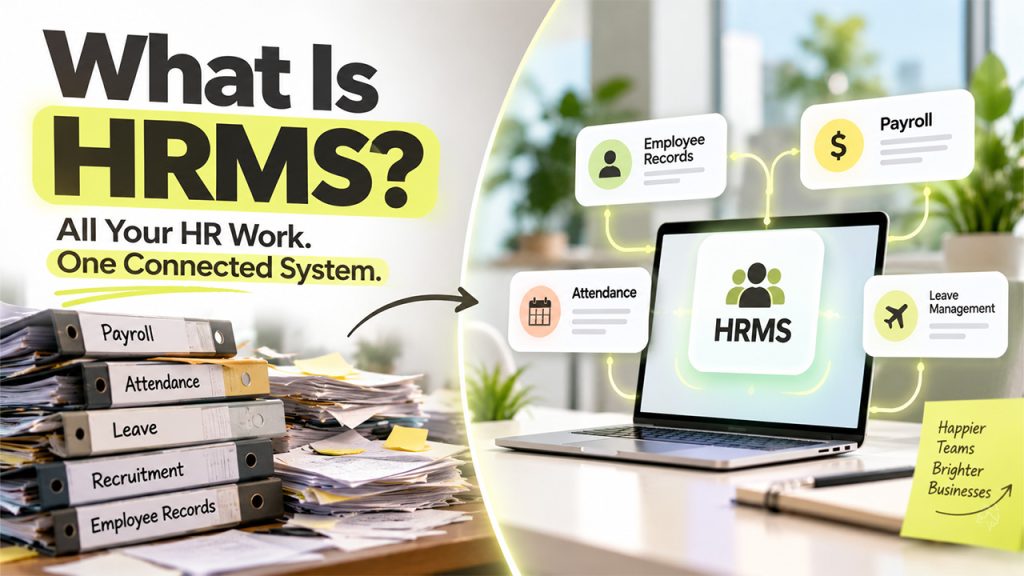
Let’s start with what exactly is human resources software — it is a collection of tools used by a company to manage its people. These are often available as integrated solutions that can replace multiple forms and spreadsheets related to employee records.
Most of today’s human resources software will cover several aspects such as payroll, time off, hiring, training & performance reviews, and more. But there are also products focused on certain areas only (such as payroll processing), or covering the whole process (from hiring right through until an employee exits). Sometimes you’ll hear them being called HRIS or HRMS.
A good system should give HR teams far more freedom to spend time helping people instead of wasting hours filling out forms and spreadsheets, then let employees easily look up pay slips, request time off or update personal info when required and enable managers with quick access to data needed to make better-informed decisions.
Step 1: Identify Your HR Challenges and Business Requirements
List all the problems your HR team deals with daily. Talk to HR staff, payroll staff, managers, and even a couple of employees to find out what issues are most challenging. Write down issues like late payroll, lost leave records, or anything that comes up.
Record some key facts about your company. How big? Where do you operate? You’ll need details like how many employees, the countries they’re based in, and projected growth — since there are huge differences between operating on a small scale versus having multiple sites.
Break your needs down into ‘must-haves’ vs. ‘nice-to-haves.’ That’s an important way to narrow down what your company really needs (must-haves) from everything else that would be great but might fall off your list if money isn’t spent here (nice-to-haves). At this point you can establish a budget range and a target start date too. Share this list with leaders and department heads so they have a chance to provide feedback. It will serve as a guide when vendors make claims that may not align with your priorities. This approach can make choosing the right HR software easier by keeping vendor evaluations focused on your company’s actual requirements.
Step 2: Determine Which Features Your Organization Needs
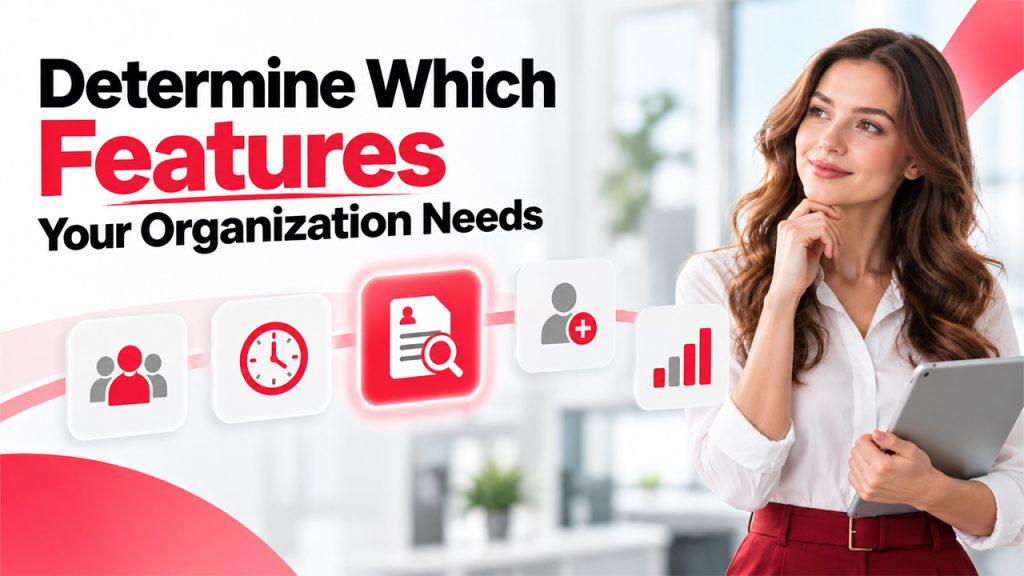
Make sure features align with your needs as outlined in Step 1. Don’t pick software just based on how many boxes are ticked – most HR systems have pretty much all the same things at their heart that fit almost every company’s bill.
Employee records
A central file for contracts, contact details, and job history. (e.g. contracts, contact info, employment history, payrolls)
Time and attendance
Clock-in tools, shift plans and leave requests.
Hiring
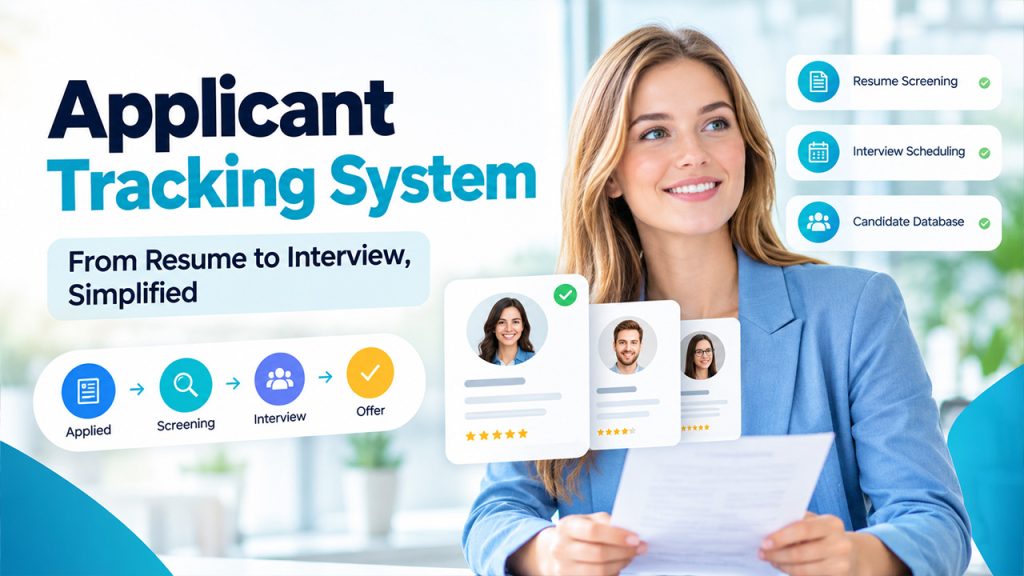
Job posts, candidate tracking and offer letters.
Onboarding
Task lists and forms for new hires.
Think about which of these you need most:
- Performance (Goals),
- Reviews,
- Feedback.
- Reports (Charts with Headcount, Turnover & Absence.)
Add anything else that solves the problems listed above. Check if they’re ‘must-have’ or ‘nice-to-have’. For example, can you build a self-service portal where employees can see their payslips and ask for time off? Does your team spend lots of time in shops/clinics/the field and would a mobile app make things easier? Test out UI (ease-of-use) during every demo – employees won’t touch your tool if it’s hard to use!
Step 3: Choose Between an All-in-One Platform and Specialized Tools
All-in-one platforms include most of the things human resources professionals need. Everything comes together under one roof. An advantage of using an all-in-one solution is that you have everything within a single platform, which means your team only has to log into one application and maintain one vendor relationship.
However, some features will likely not perform really well because in exchange for having more options available through a single platform, you give up depth in certain areas.
For example, specialized tools tend to offer far greater functionality when it comes to specific tasks—like managing employee payrolls or handling job candidate applications—but you’ll have to link them all together yourself. When connections break down, data can sometimes become inconsistent across different platforms.
Step 4: Check Integrations, Data Migration, and Scalability
Your human resources software must work with the other tools your company already uses. This includes accounting software, email, calendars, and time clocks. You’ll want to know which integrations come pre-built by the vendor and what requires customization, as this can take time (and money).
What about your existing HR records? Will there be a way to migrate them into the new system? Who will perform the task and at what rate?
How much of a growth spurt does your company plan on having? Can the software scale up to accommodate more employees and/or countries without requiring too large increase in costs?
Step 5: Evaluate Data Security, Privacy, and Compliance
An HR system contains the most private data about your employees including their pay, address, health information, and government ID numbers, etc. Any breach impacts your employees directly and undermines their trust on you.
According to the IBM Cost of a Data Breach Report 2026, the global average cost of a breach was $4.99M.
To ensure your vendor keeps this sensitive data secure:
When you’re evaluating vendors, ask them specifically what steps they take to protect data while it’s stored and when it’s being sent over networks. They should offer robust encryption standards, access controls, and logs showing who has looked at files. Vendors should also be able to provide evidence of outside audits (e.g., SOC 2 report).
Ensure that the vendor complies with all relevant data protection regulations wherever members of staff are working—including GDPR in Europe and the DPDP Act in India. Find out where the vendor is storing your data and how quickly they’d notify you if there was a breach. Make sure that you receive a copy of their data protection policy and seek legal/IT advice on reviewing this document.
Step 6: Compare Pricing, Total Cost, and Vendor Support
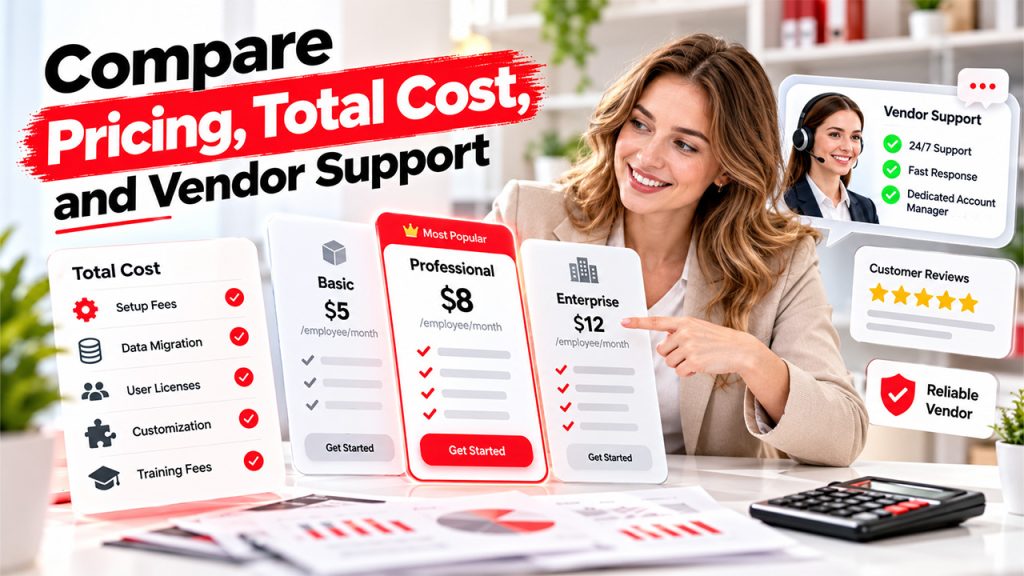
Pricing structures vary drastically across HR management system software. Some charge a monthly fee per employee, while others offer tiered subscription-based plans. Be clear about the specifics of each plan’s feature list. Are there additional fees if certain features are required? What is the base price? Does it increase upon renewal?
Beyond the stated price tag, think through all possible costs associated with the tool. Will there be setup or data migration fees? Training or customization fees? Additional user license or module fees? Is there potential to pay higher fees when renewing? Can we potentially cancel without penalty?
Check how good customer service really is – There’s no denying that things go wrong once human resources software goes live, which means having excellent customer service access is essential. Consider how long they’re available for assistance and their general response times. If this is important to you, ask who exactly will manage your account throughout your HR software journey. Finally, do look at reviews from existing customers to find out their experiences of customer service.
Step 7: Shortlist Vendors and Test the Software
Create a short list based on your needs (must-haves and nice-to-haves). Then, weed out anyone who fails to meet one of these requirements.
Once you’ve whittled down your choices, schedule a demo session. Tell each company you’re interested in using their software to perform specific tasks related to your work (e.g., hire a new employee, approve someone’s leave request). You’ll be much more satisfied if they give you a live CRM demonstration showing how the app actually works in practice instead of just flashing you the product highlights. If they don’t have time, ask them to send you a link to a recorded demonstration where they show off the most important functionality.
Common Mistakes to Avoid When Choosing HR Management Software
Many people make the same mistakes, such as:
- Skipping Step 1 and choosing software based on a demo.
- Paying for a long list of features that you will never use.
- Ignoring hidden costs such as setup, training, data migration fees, etc.
- Choosing a tool that cannot handle the growth of your company.
Avoiding these errors protects both your budget and your time.
Conclusion
The best human resources software is the one that fits your company, your budget, your employees, and overall, your business. Start with your needs, match them to the right features, and check data protection. Review costs and support, then test each finalist with your real users. Use these seven steps as a checklist for your own search. Finding a good tool does take some effort, but it leads to something your team can trust for years.
Learn more about choosing the right employee management system to support your business’s evolving workforce needs.